> ## Documentation Index
> Fetch the complete documentation index at: https://docs.prophecy.ai/llms.txt
> Use this file to discover all available pages before exploring further.
# Settings list
> Settings visible to cluster admins only
Available on the [Enterprise Edition](/administration/platform/editions) only.
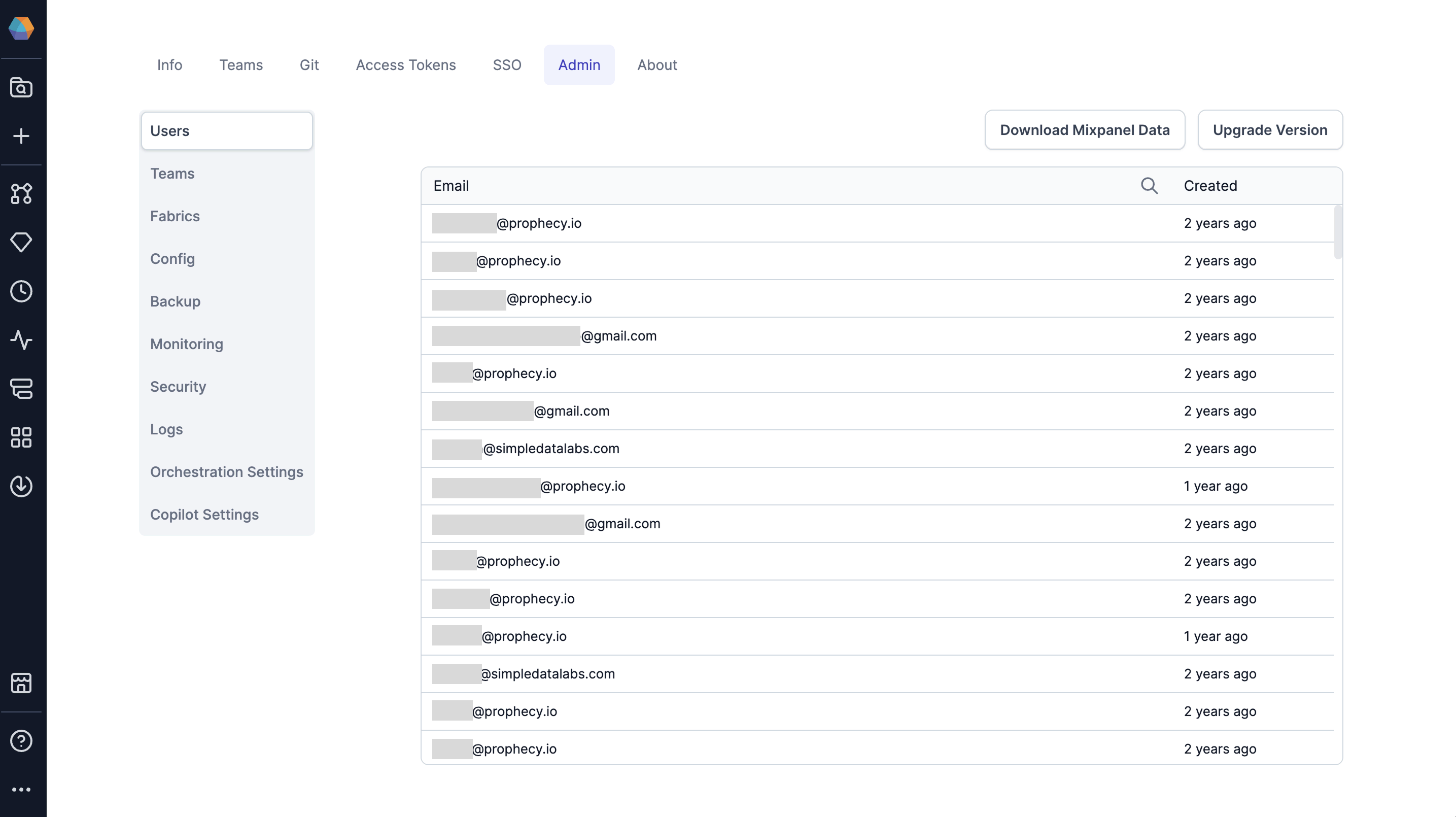
[Prophecy cluster admins](/administration/management/users/access/role-based-access) have access to additional settings in the **Settings** UI of their Prophecy environment.
To access these settings:
1. Click **... > Settings**.
2. Open the **Admin** tab.
## Admin tabs
The Admin settings contains various tabs that serve different purposes.
| Tab | Description |
| ---------- | ------------------------------------------------------------------------------------------------------------- |
| Users | View or remove users that exist in your deployment, download Mixpanel data, or upgrade your Prophecy version. |
| Teams | View or remove teams in your deployment. |
| Fabrics | View fabrics and their teams and authors. |
| Config | Update configurations related to alerts, backups, logs, object store, etc. |
| Backup | View previous backup information and backup status. |
| Monitoring | Review the resource usage of various services in the Prophecy deployment. |
| Security | Global authentication settings like Databricks OAuth U2M setup, Kerberos Authentication, etc. |
| Logs | Download system logs from a specific time range. Helpful for support cases. |