> ## Documentation Index
> Fetch the complete documentation index at: https://docs.prophecy.ai/llms.txt
> Use this file to discover all available pages before exploring further.
# Visual expression builder
> About the visual expression builder
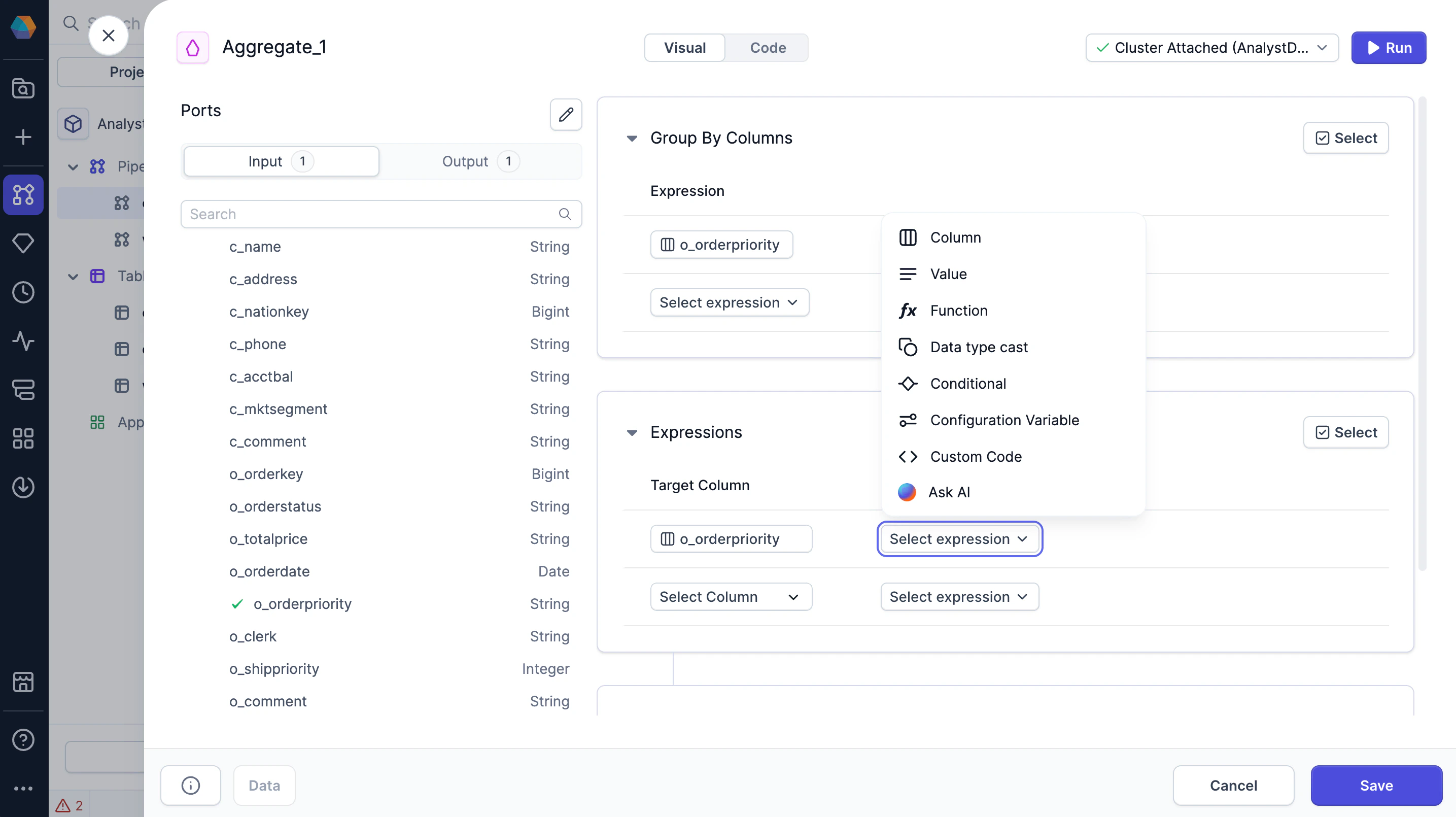
Use the visual expression builder to write complex SQL expressions without worrying about syntax. The visual expression builder can help you to better understand the relationships between different functions and their arguments. You can use visual expressions in gems and data tests.
To understand how to build expressions with the visual expression build, see the [reference
guide](/data-analysis/gems/visual-expression-builder/visual-expression-builder-reference).
## Build with Copilot
You can use Copilot from the visual expression builder for additional help. Whether you're exploring functions, learning what's possible, or writing expressions with prompts, Copilot supports your workflow.
 ## Code view
To view the SQL expressions generated by the visual expression builder, you can switch to the Code view of a gem or of the project. If you update any expressions in the Code view, they will be converted back to visual expressions in the Visual view.
## Code view
To view the SQL expressions generated by the visual expression builder, you can switch to the Code view of a gem or of the project. If you update any expressions in the Code view, they will be converted back to visual expressions in the Visual view.
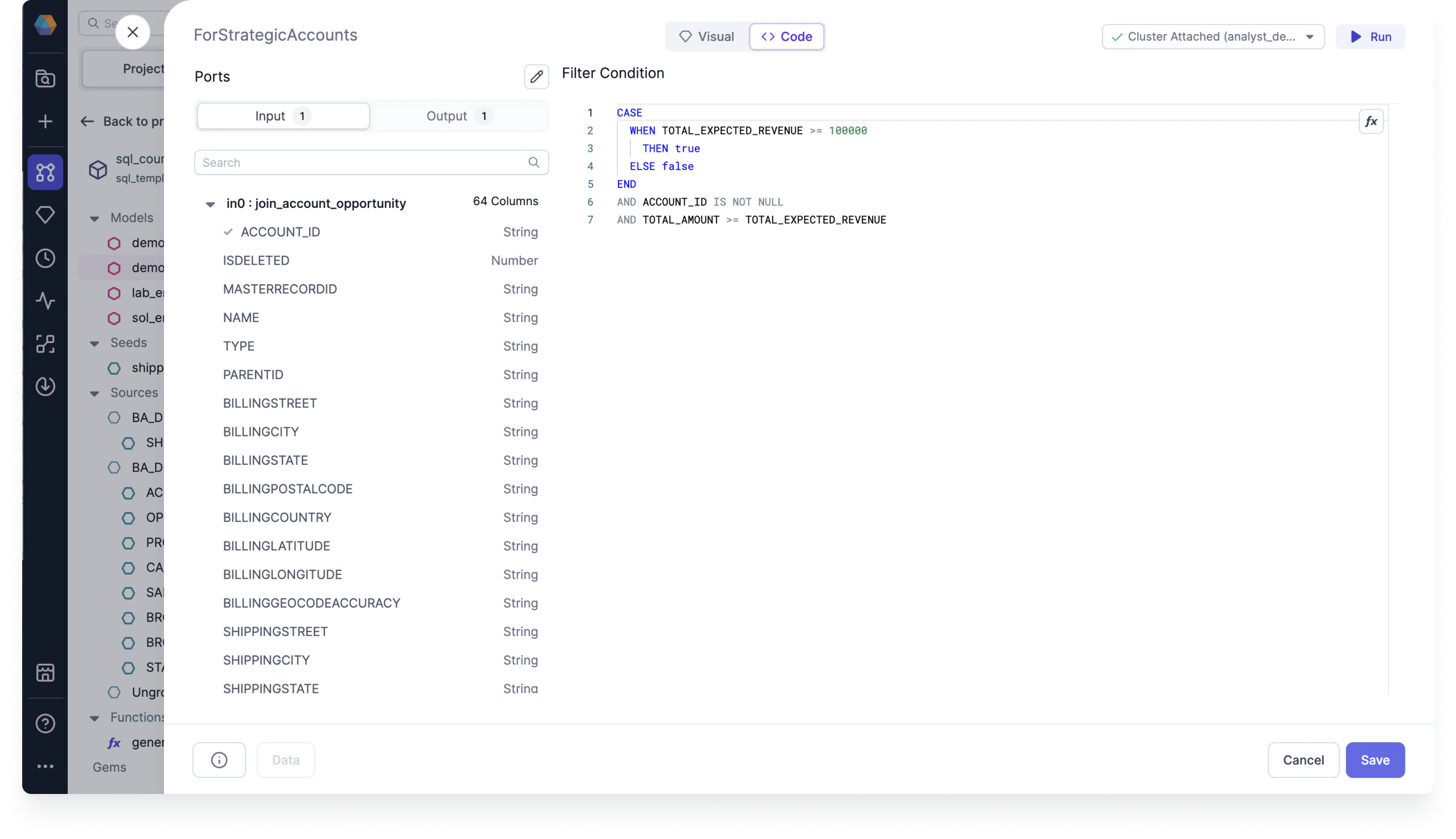 You can also ask Copilot to generate SQL expressions directly in the Code view.
The SQL dialect for expressions depends on the SQL warehouse connection of the fabric. This is
because the project code must be compatible with the execution environment it runs on. Because of
this, expressions may look different across projects that run on Databricks versus Snowflake, for
example.
## What's next
To continue developing with the visual expression builder, see the following pages:
You can also ask Copilot to generate SQL expressions directly in the Code view.
The SQL dialect for expressions depends on the SQL warehouse connection of the fabric. This is
because the project code must be compatible with the execution environment it runs on. Because of
this, expressions may look different across projects that run on Databricks versus Snowflake, for
example.
## What's next
To continue developing with the visual expression builder, see the following pages: