Understand your data
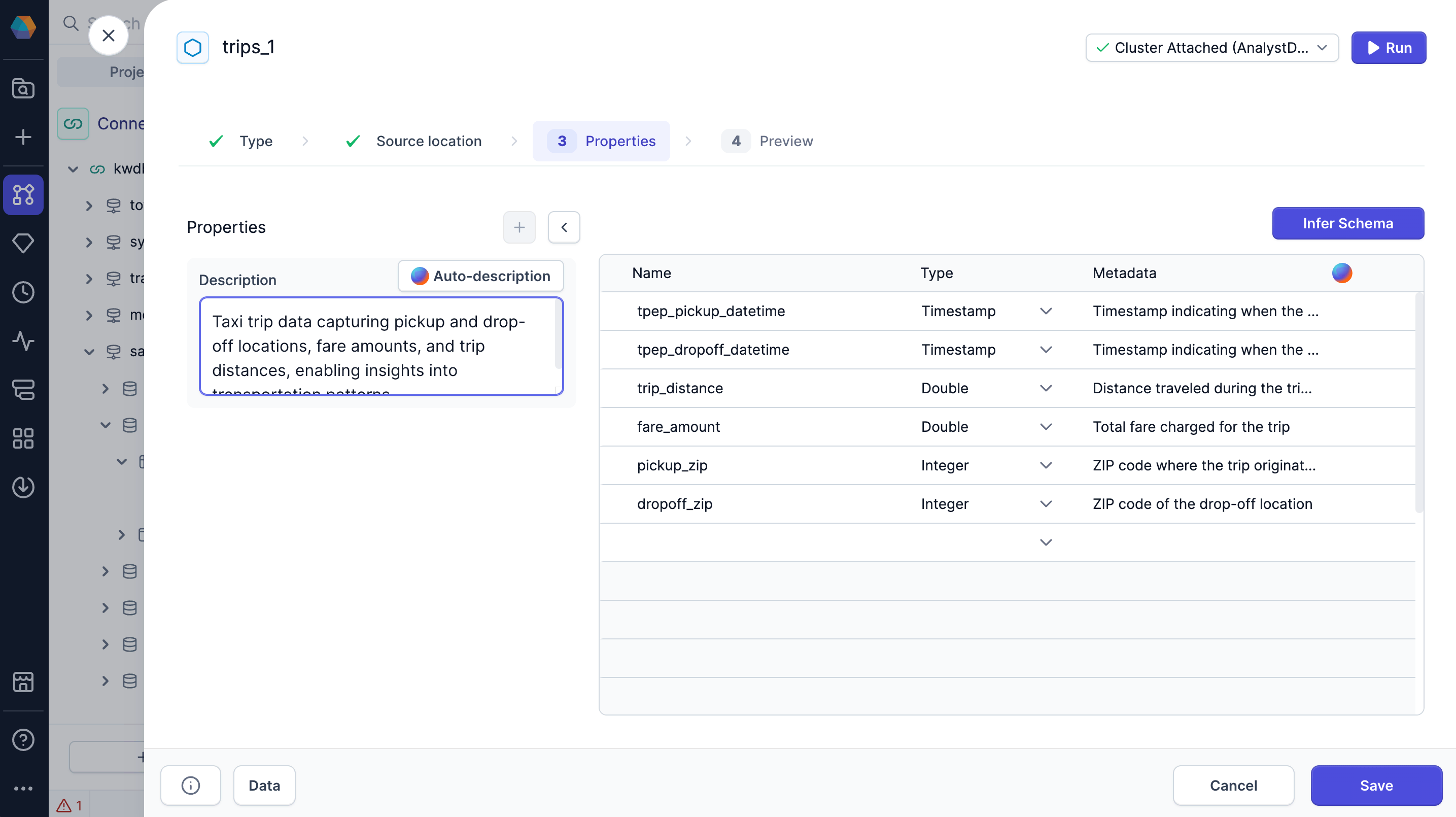
Before diving into individual pipeline steps, it helps to understand the data itself. Copilot can automatically generate:- Table descriptions for Source and Target gems
- Column descriptions (metadata) to provide field-level context
Understand each gem
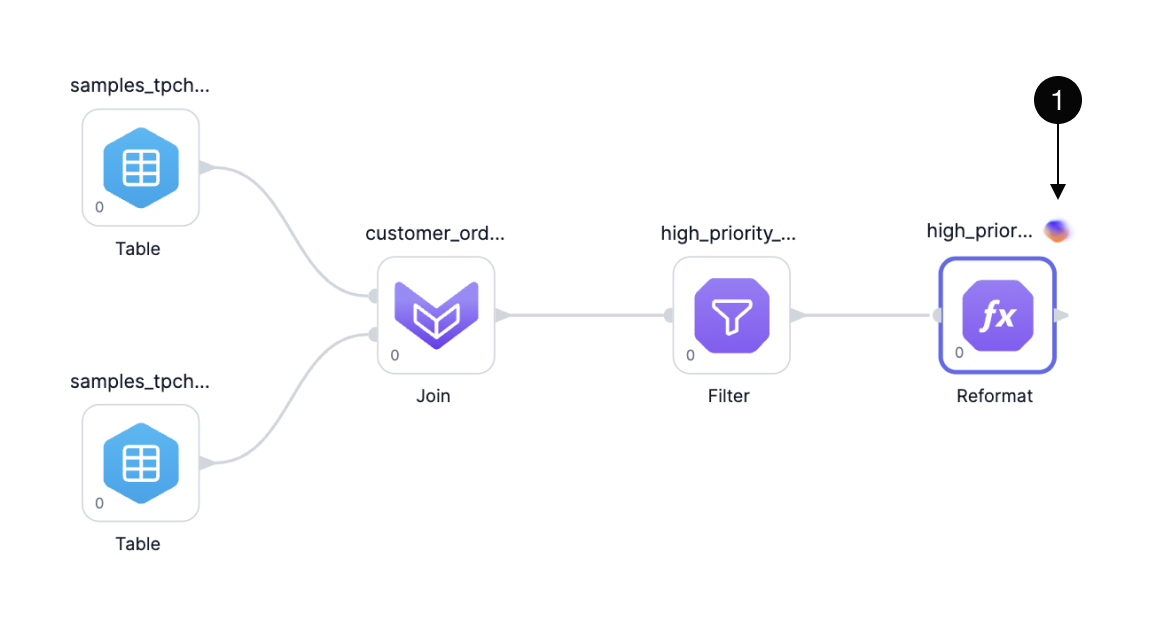
When you want to know a specific gem’s purpose in the pipeline, you can ask Copilot to explain it in plain language.Improve gem labels
Clear labels make pipelines easier to read. Copilot will automatically generate gem labels as you build you pipeline. If you update a gem, Copilot will ask for permission update the gem label.