

To understand how to build expressions with the visual expression build, see the reference
guide.
Build with Copilot
You can use Copilot from the visual expression builder for additional help. Whether you’re exploring functions, learning what’s possible, or writing expressions with prompts, Copilot supports your workflow.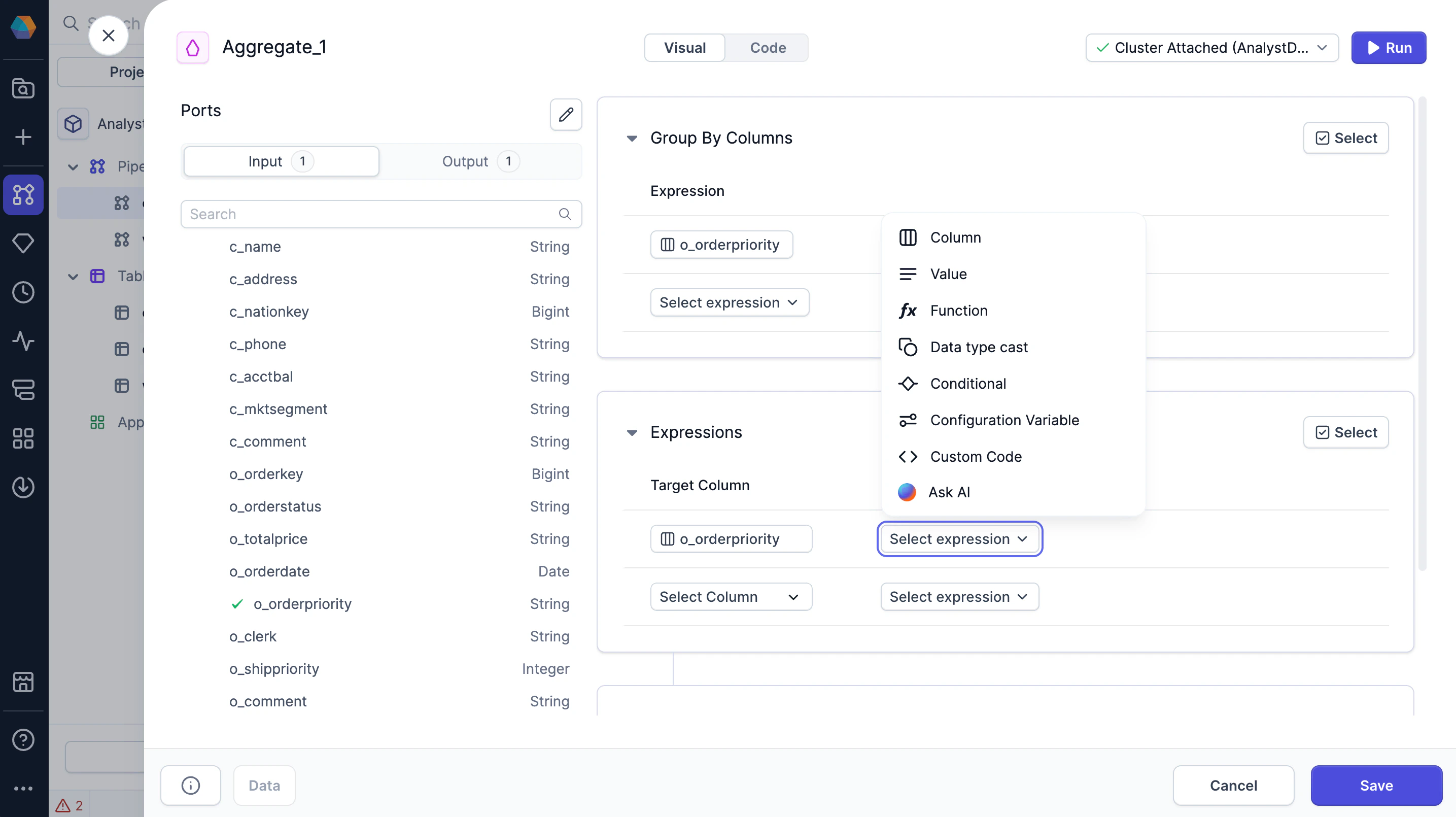
Code view
To view the SQL expressions generated by the visual expression builder, you can switch to the Code view of a gem or of the project. If you update any expressions in the Code view, they will be converted back to visual expressions in the Visual view.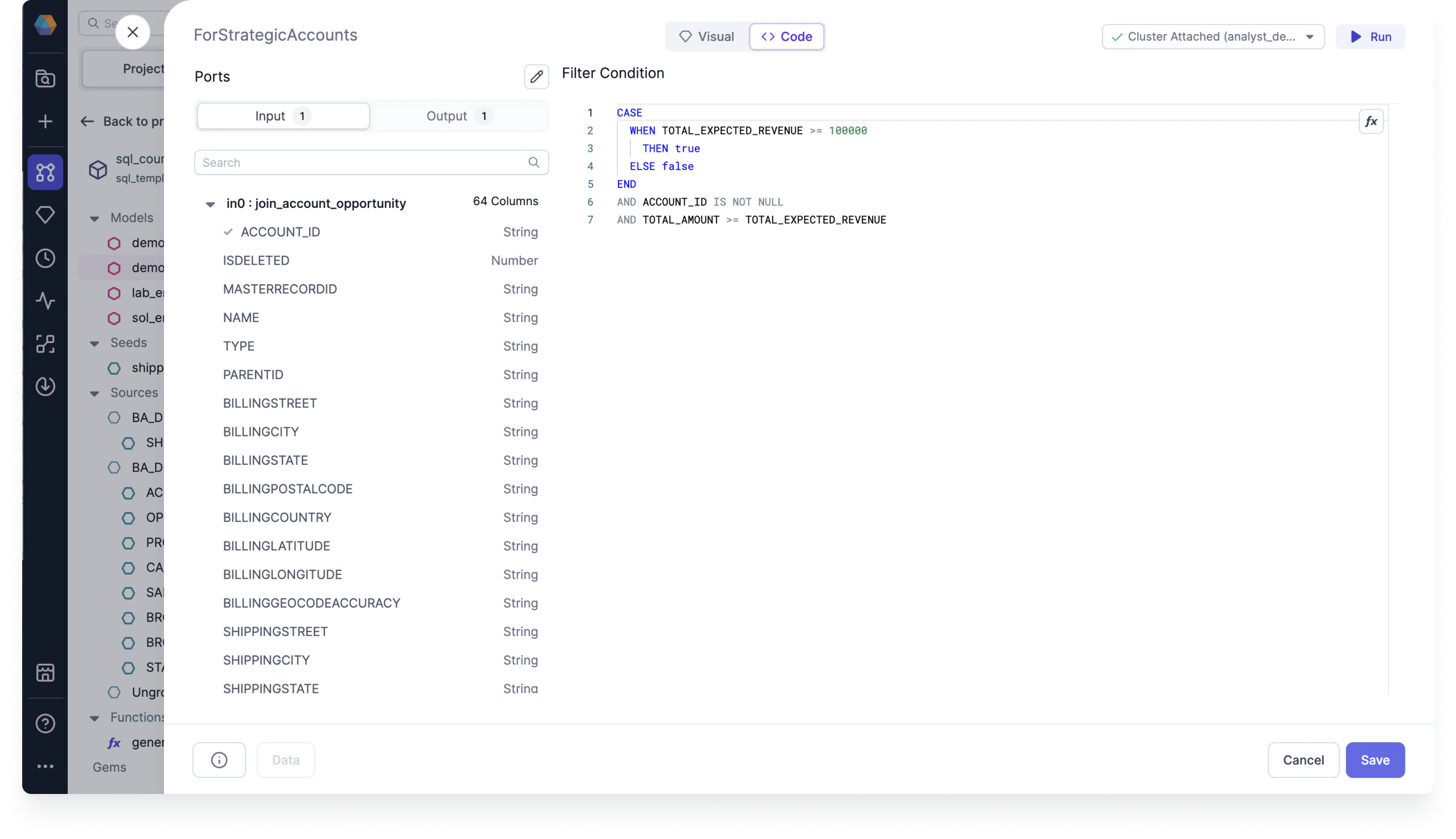
The SQL dialect for expressions depends on the SQL warehouse connection of the fabric. This is
because the project code must be compatible with the execution environment it runs on. Because of
this, expressions may look different across projects that run on Databricks versus Snowflake, for
example.