


Available for Enterprise Edition only.
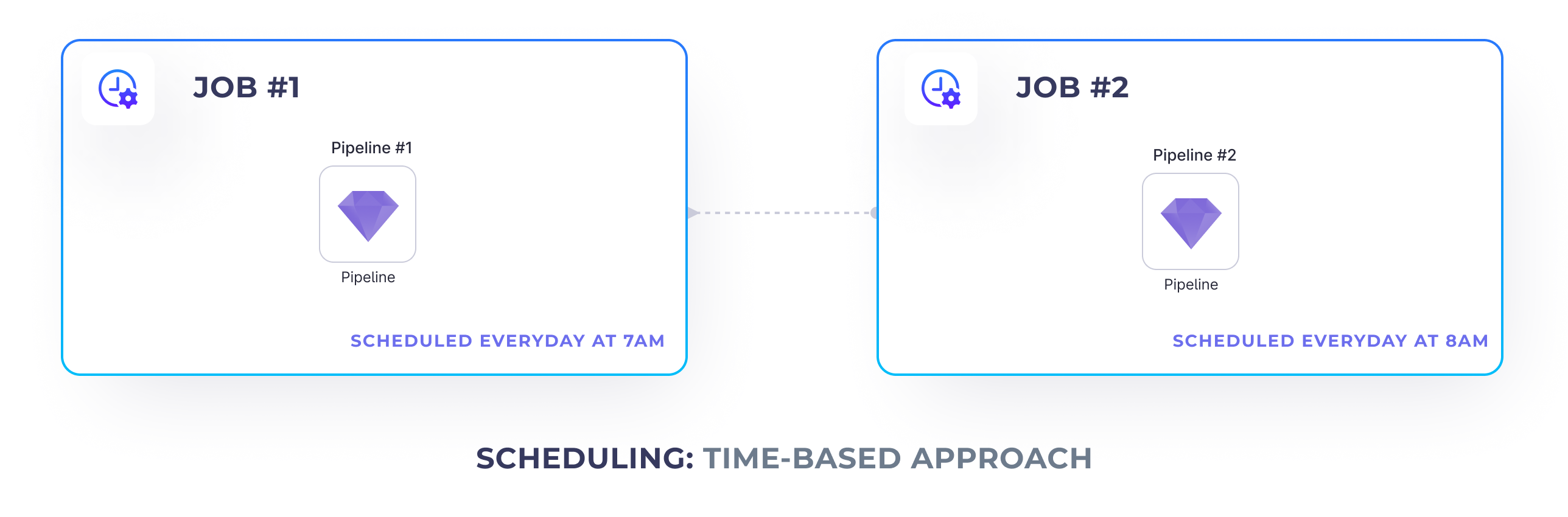
Time-based Approach
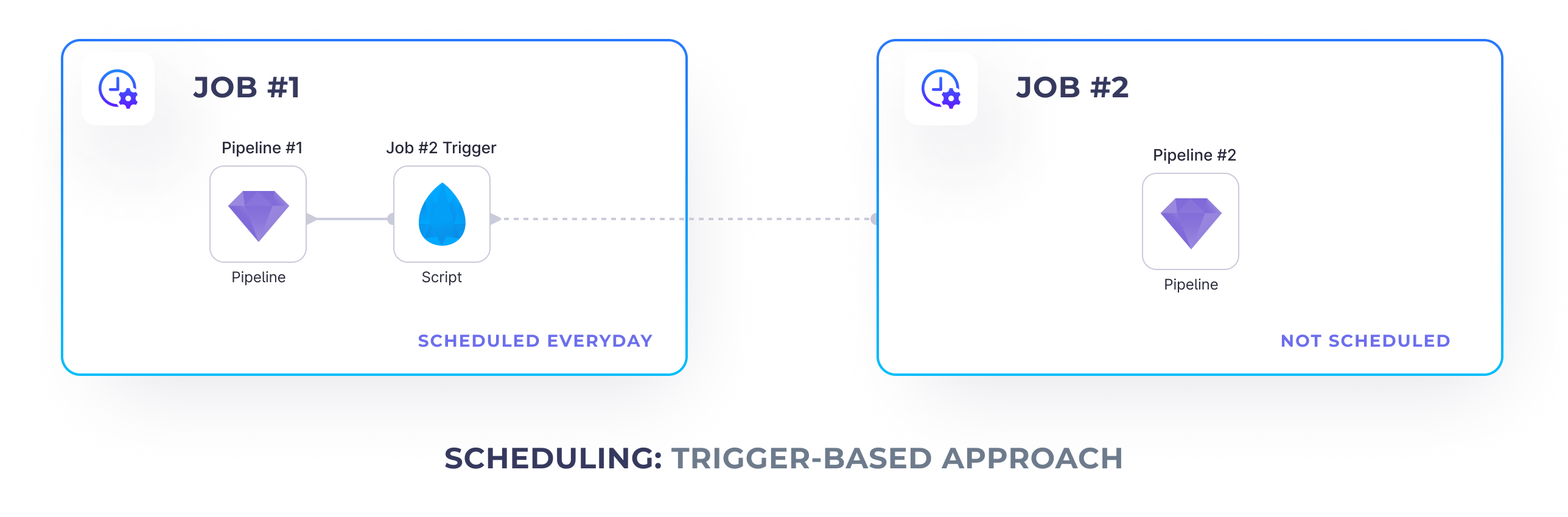
Trigger-based Approach
Script gem
and Databricks Jobs API.
To be able to trigger a job from within another job, we need to:
- Deploy the job we want to trigger and find it’s Databricks
job_id - Add a
Scriptgem to the scheduled job that triggers the other one
Deploying Jobs
First of all, to be able to trigger one job from another, we need to release it and get its Databricks job id. Please note that this job is disabled, because we’re going to run it from a manual API instead of using a time-based trigger.Job trigger
Once we have the ID of the job that we’d like to trigger, we can create aScript gem in our upstream job
that’s going to run it.
Insert the following script to trigger a job:
- Databricks workspace url - How to find it?
- Databricks token - How to generate it?
- The Databricks job id as previously embedded