


Available for Enterprise Edition only.
Spark configurations
Two ways to access the configurations:- Browsing the Spark UI
- Running a notebook
Configurations in the UI
You can access your Spark cluster configurations directly from the Spark UI.Please send screenshots of each configuration if possible.
| Configuration to Send | Example |
|---|---|
| Overall cluster configuration (e.g., Spark version, Databricks runtime version, UC dedicated or UC standard) | 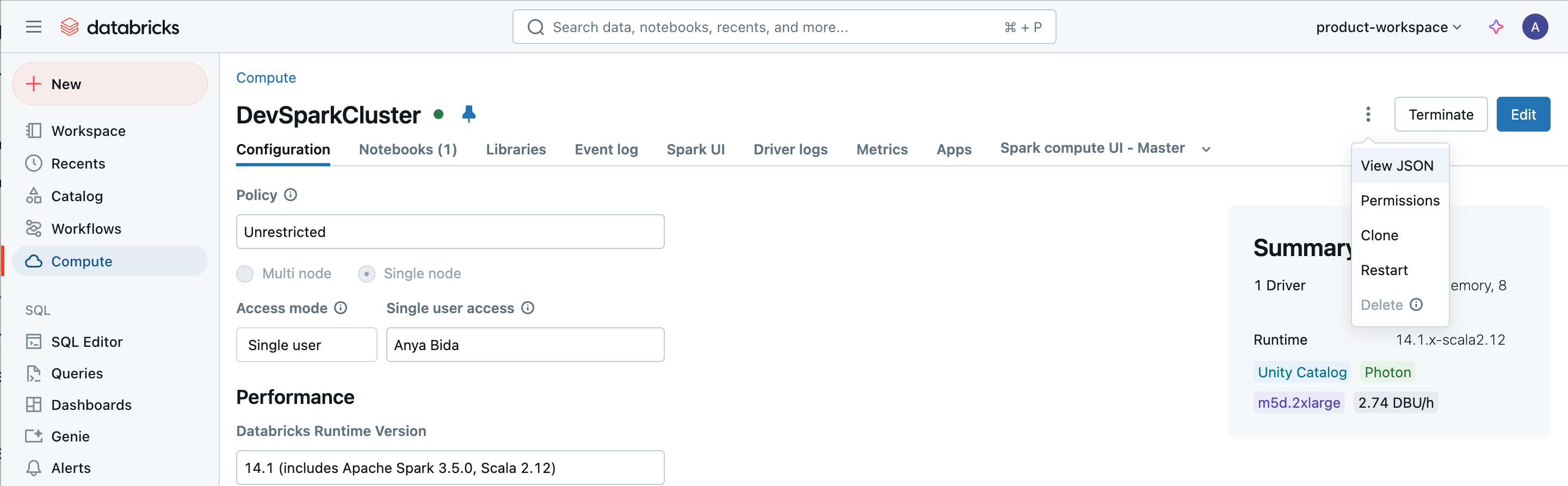 |
| Cluster JSON (edited to remove any private or sensitive information) | 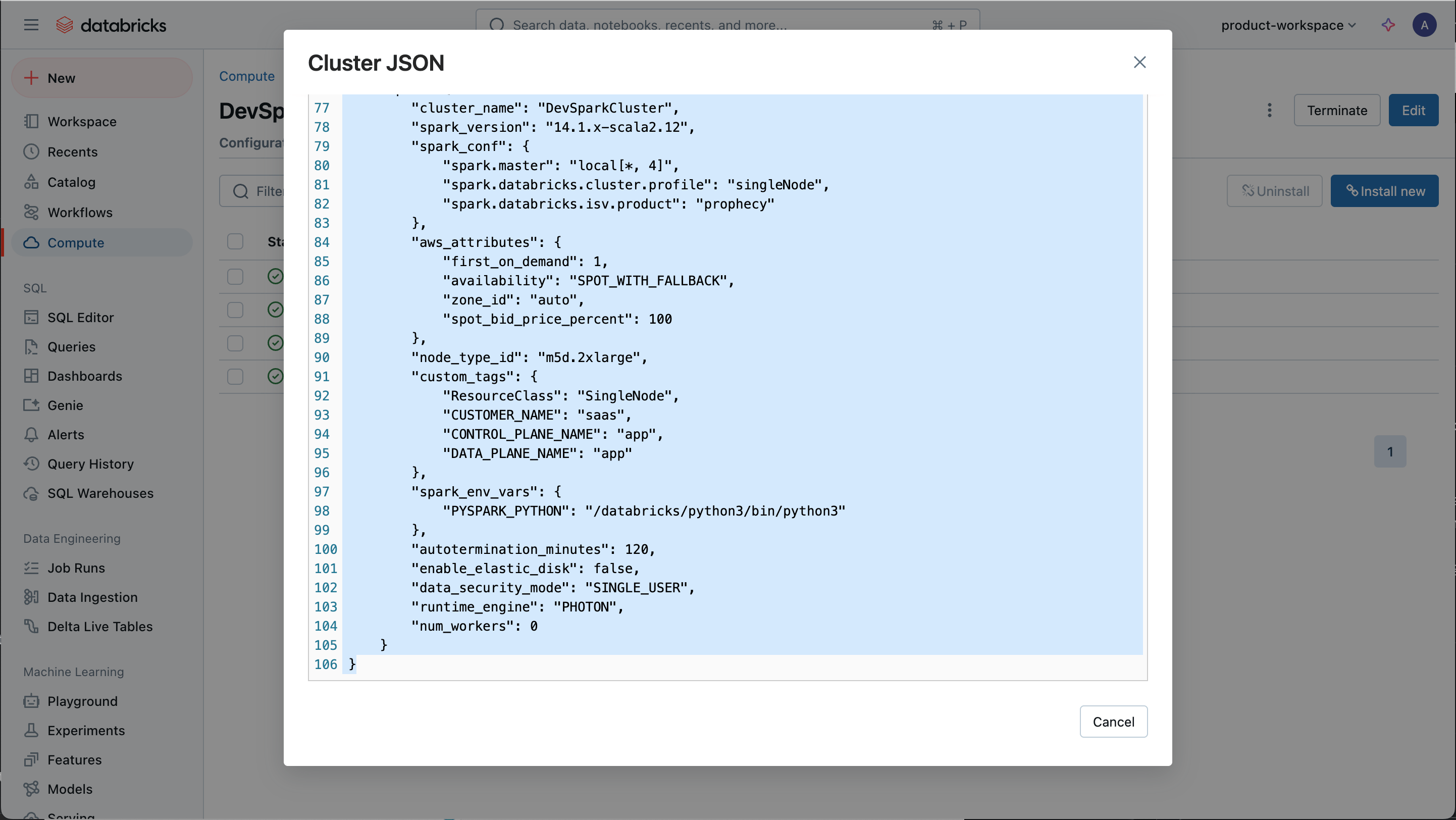 |
| Libraries installed on the cluster | 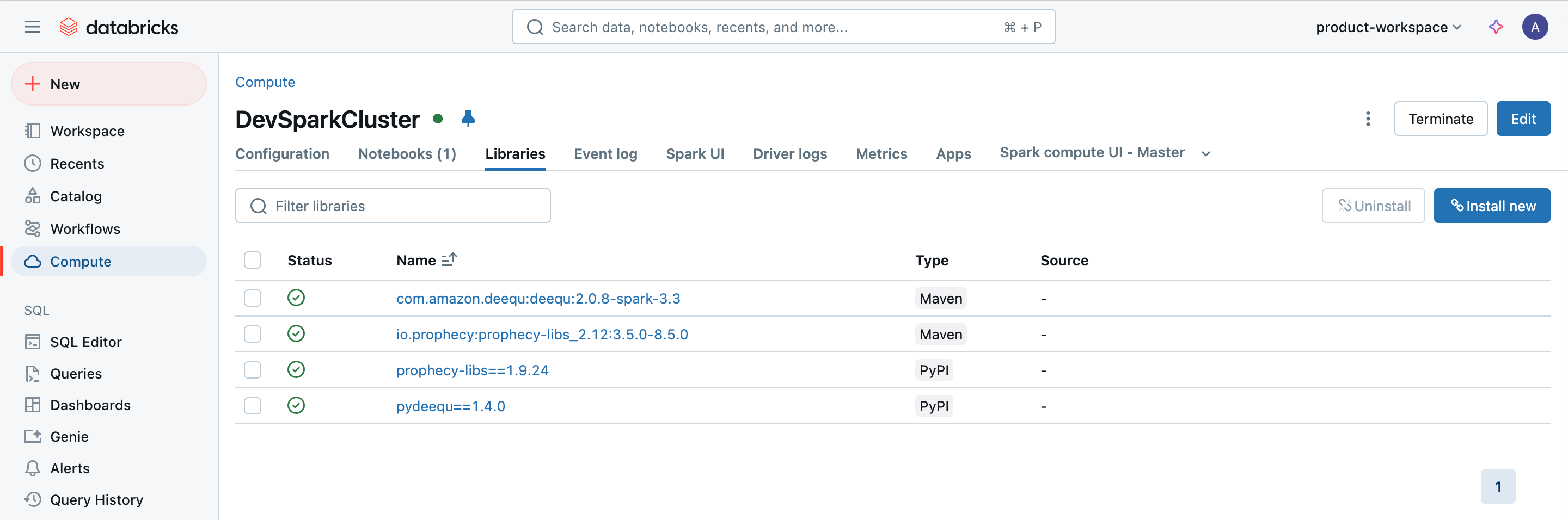 |
| Init scripts run on the cluster. Include the script itself if possible. | 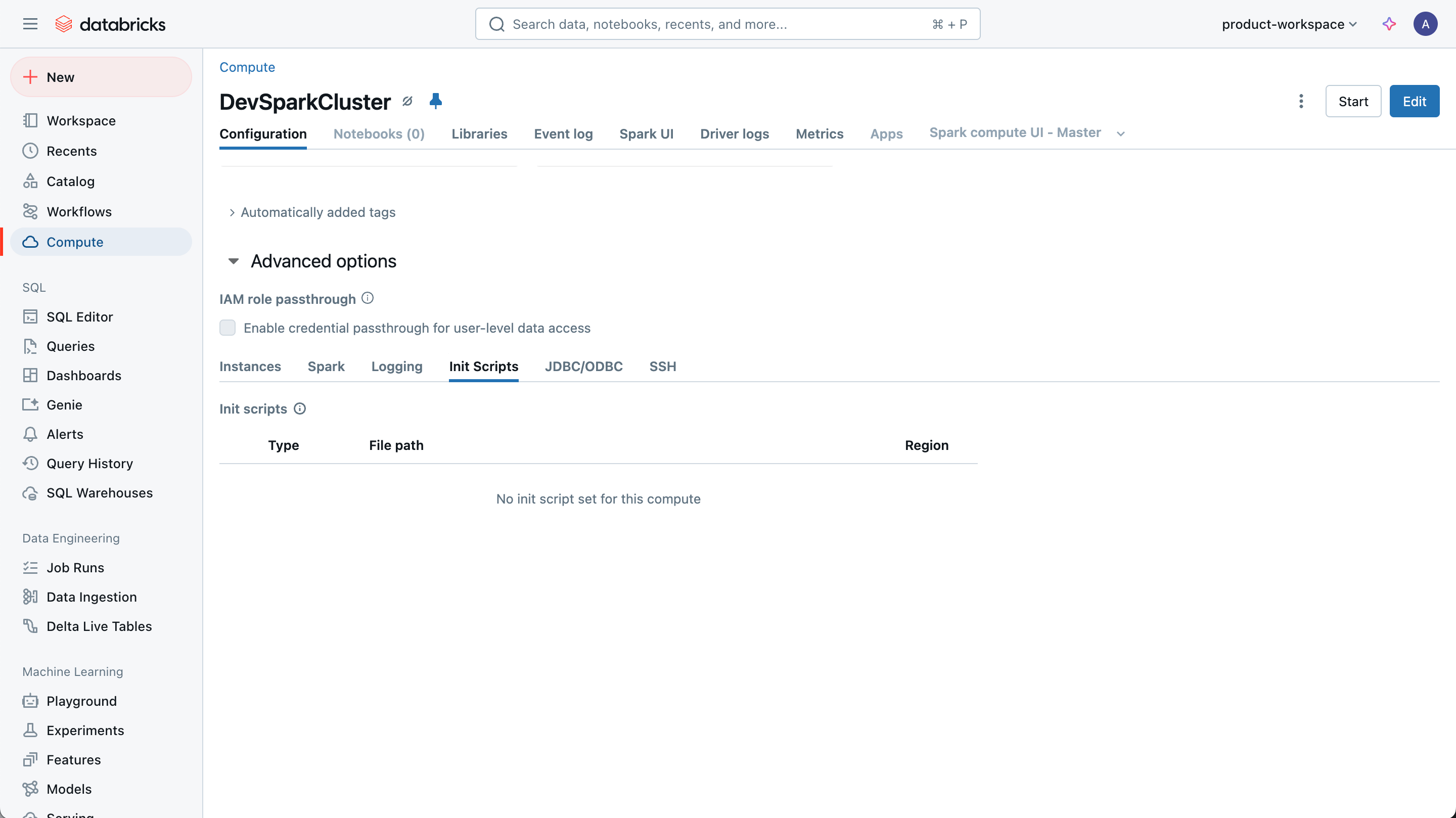 |
| Output of attaching cluster in a notebook. You may need to duplicate the tab and try attaching the same cluster in the duplicate tab. | 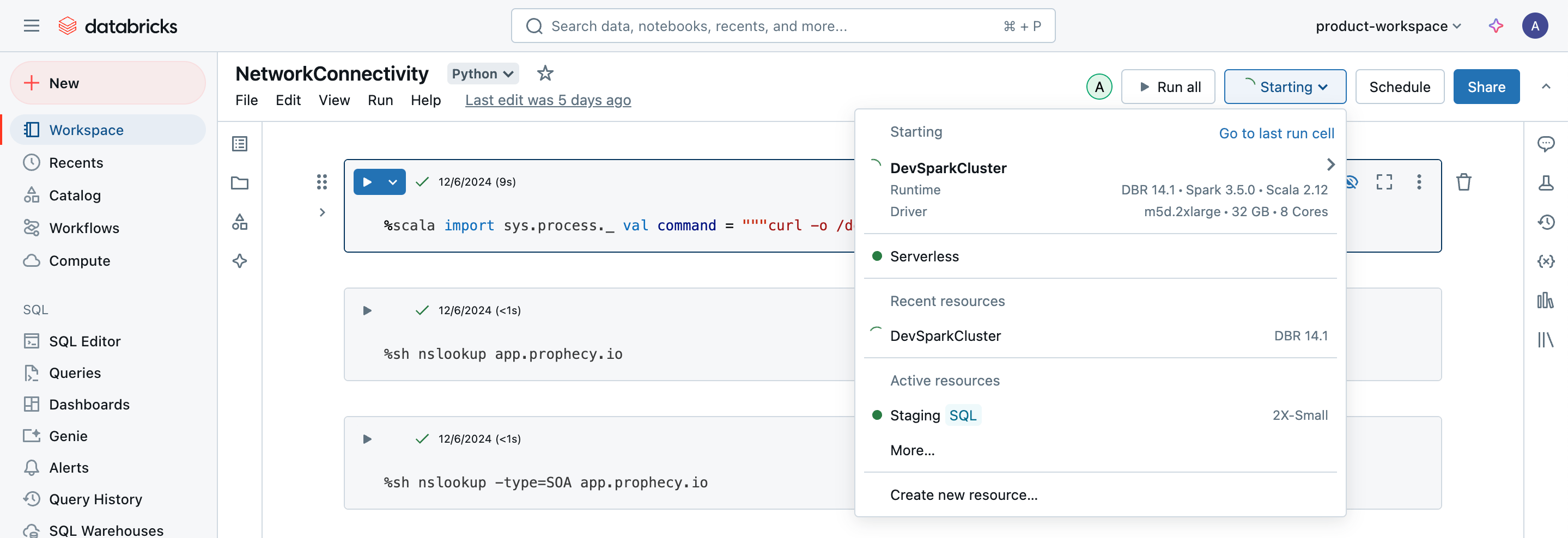 |
Run a notebook
For those who prefer to use code, create a notebook (example below) and send the output via the Prophecy Support Portal.Replace the workspace URL, personal access token, clusterID, and API token as appropriate.
Python
Python
Connectivity Check
Open a notebook on the Spark cluster and run the following command.Replace the Prophecy endpoint.
- Python
- Scala