Inline fix
Click an expression inside a gem with an error and select Fix it to apply an automatic correction.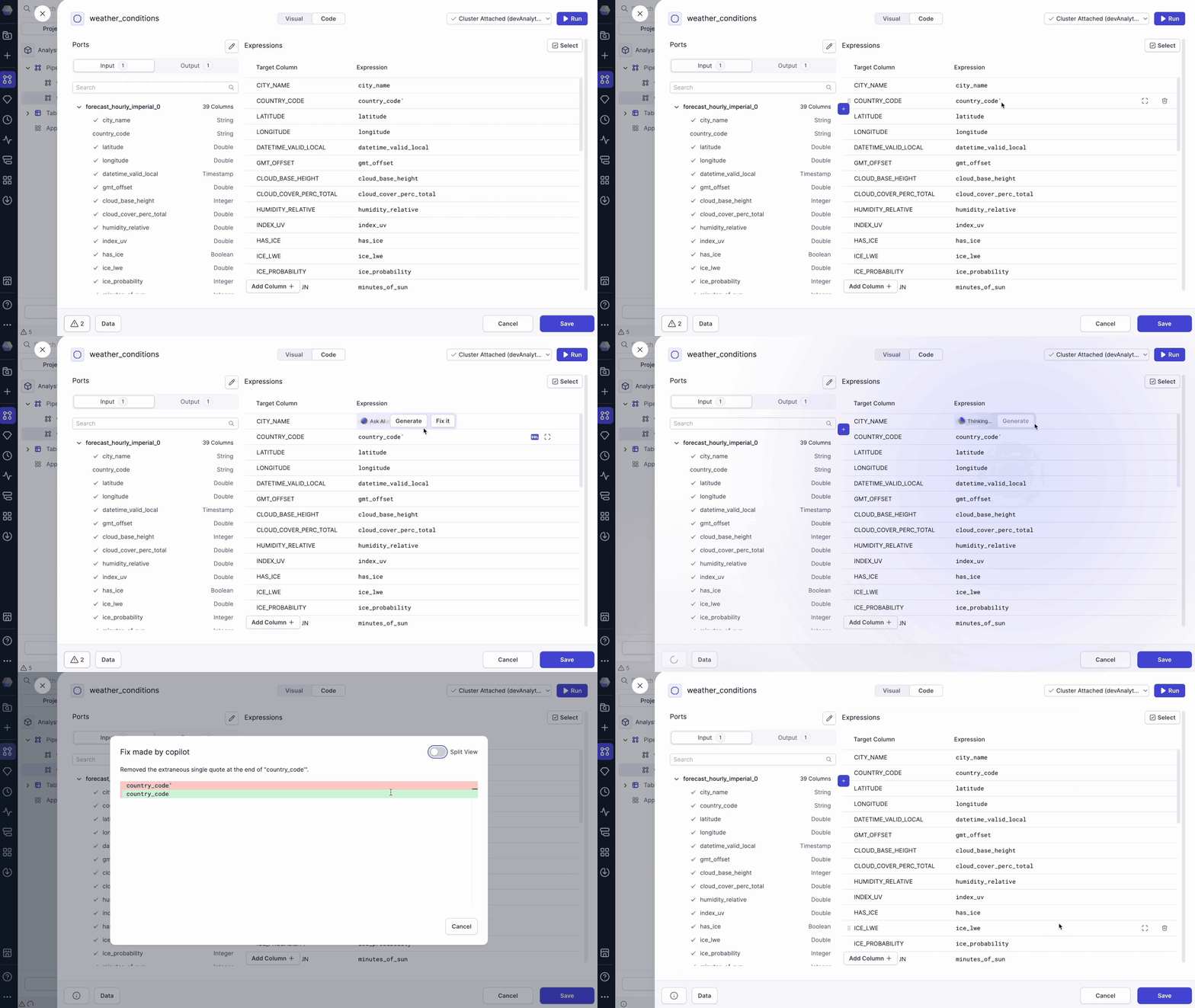
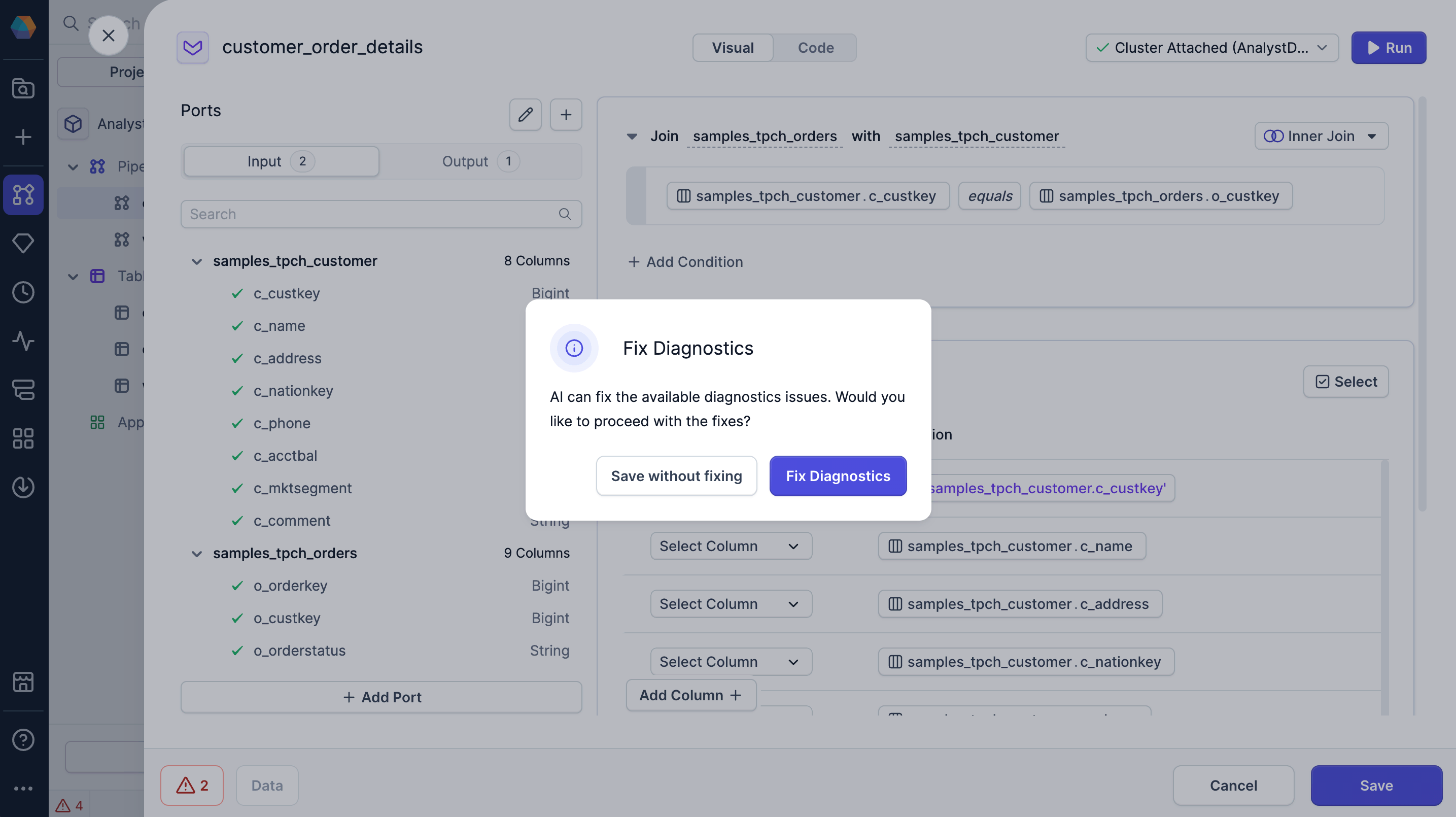
Fix on save
If you try to save a gem with detected errors, a Fix Diagnostics dialog appears.- Save without fixing: Save the gem without fixing the errors.
- Fix diagnostics: Let Copilot fix the errors automatically.
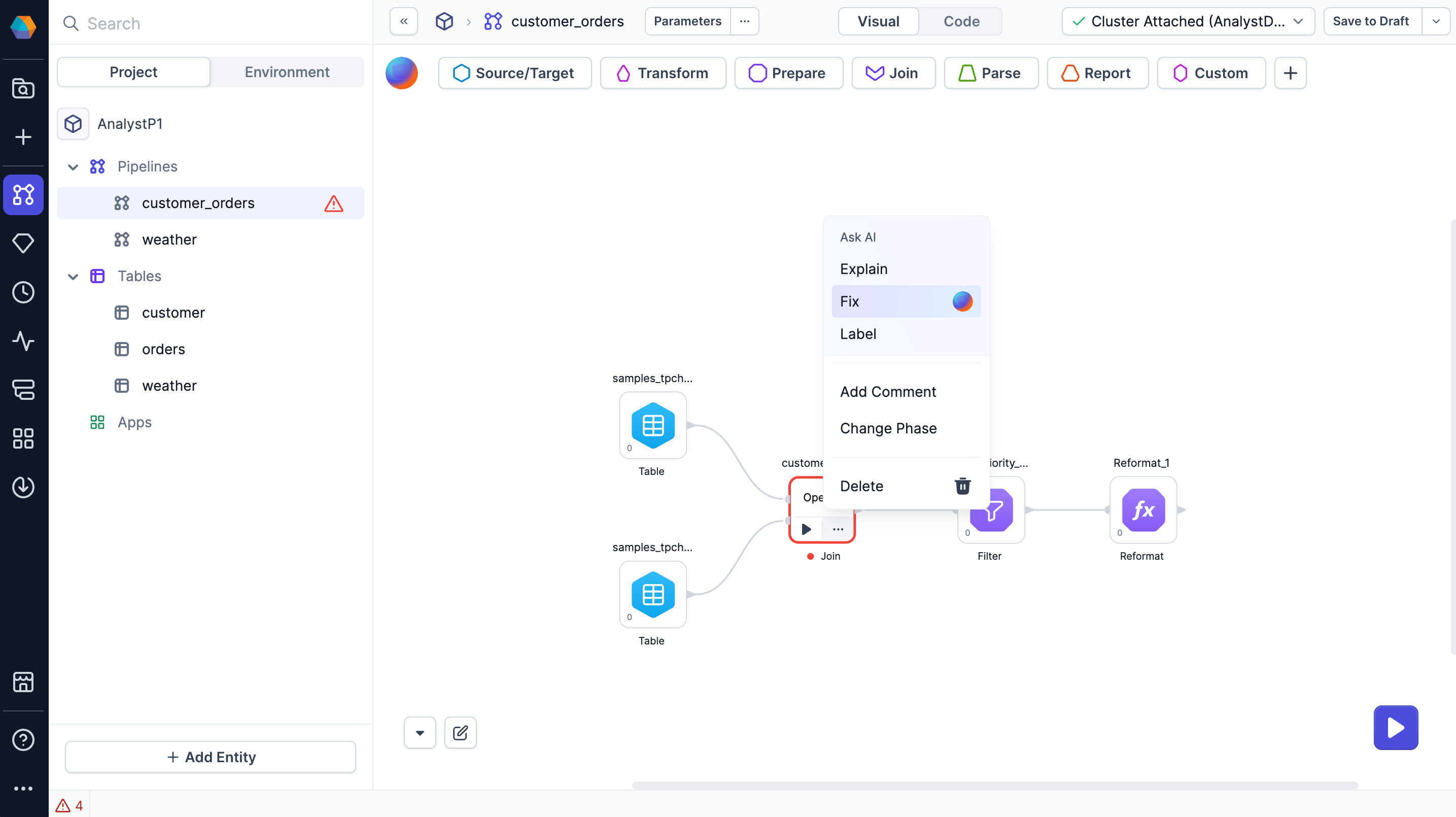
Gem-level fix
On the pipeline canvas, open a gem’s action menu and select Fix to automatically correct errors within that component.