Collect diagnostic data
To help our team investigate and resolve your issue faster, include diagnostic data in your support request. Use the table below to find what information to collect based on your issue.Send runtime logs
If you are having trouble running a pipeline, you can download the runtime logs. Our Support team can review these logs to help troubleshoot your issue.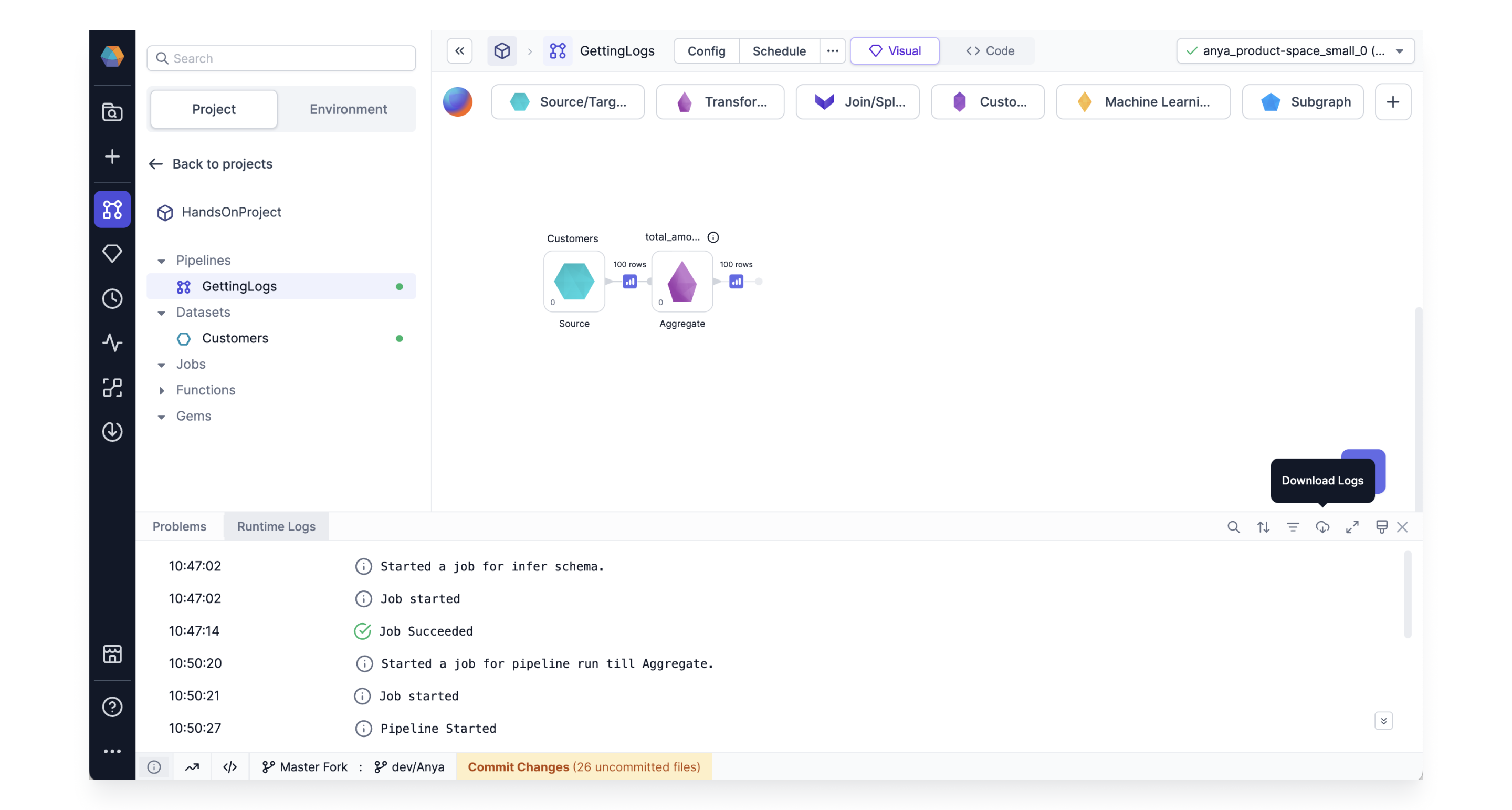
Send connection logs
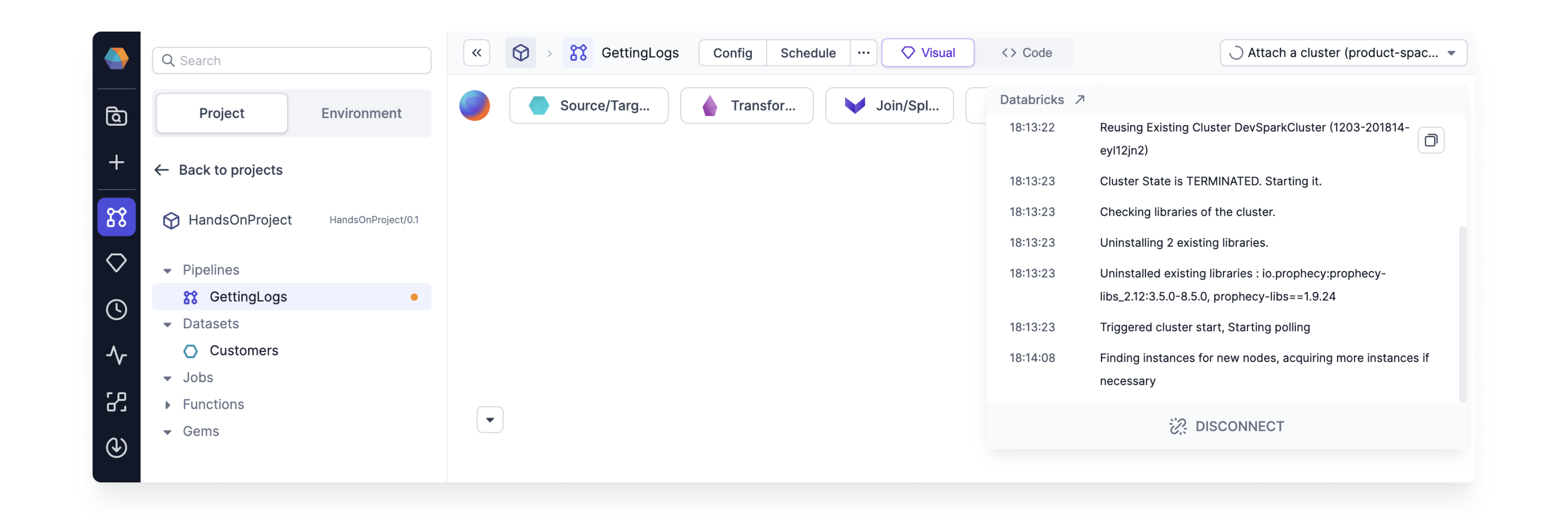
If you have trouble connecting to your fabric, send connection logs to Prophecy with the corresponding error code. To retrieve the connection log, open the cluster connection in the top right corner of your project and click the Copy button.