

Prerequisites
To open support tickets and new cases, you need to be registered as an authorized support contact for your company. For more information, reach out to our Sales team.Users on free versions of Prophecy are not eligible for support. Please refer to self-service
resources to troubleshoot any issues.
Submit a support ticket
Create a new request
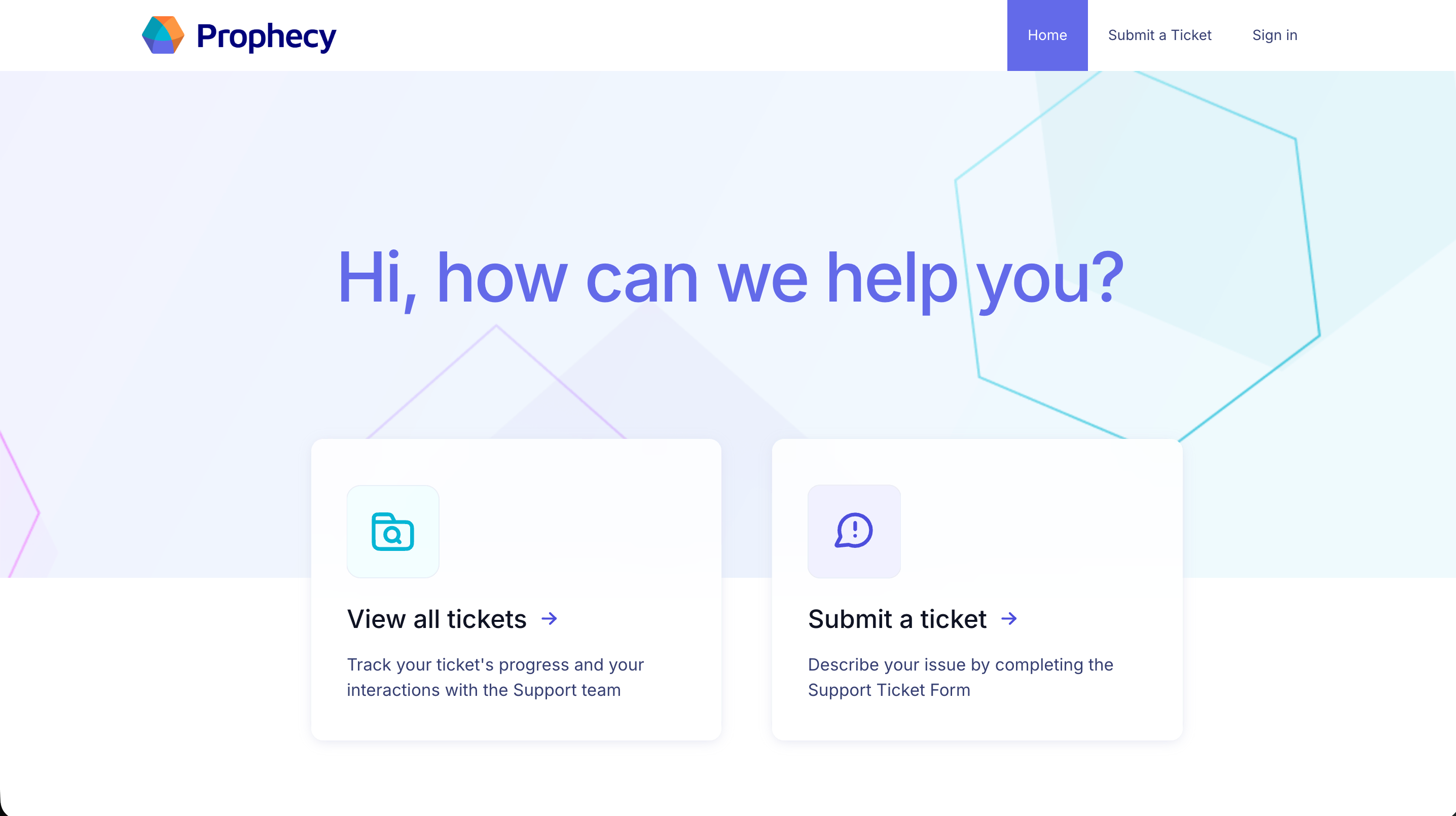
- Open the Support Portal.
- Click Submit a Ticket.
Fill in the form details
Complete the support request form with the information below.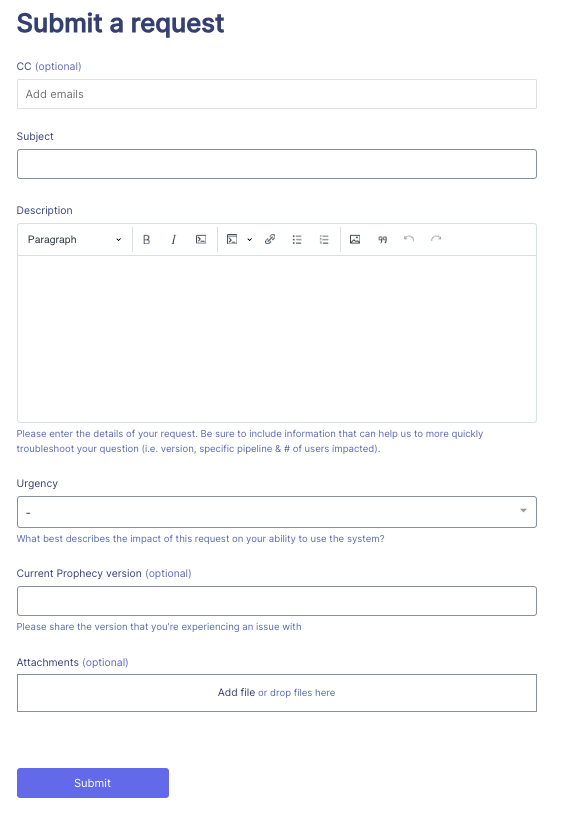
- A description of the issue, detailing expected vs. actual behavior.
- Any steps taken so far to troubleshoot the issue.
- The workspace URL where the issue occurred.
- The pipeline, dataset, or other resource involved.
View your support tickets
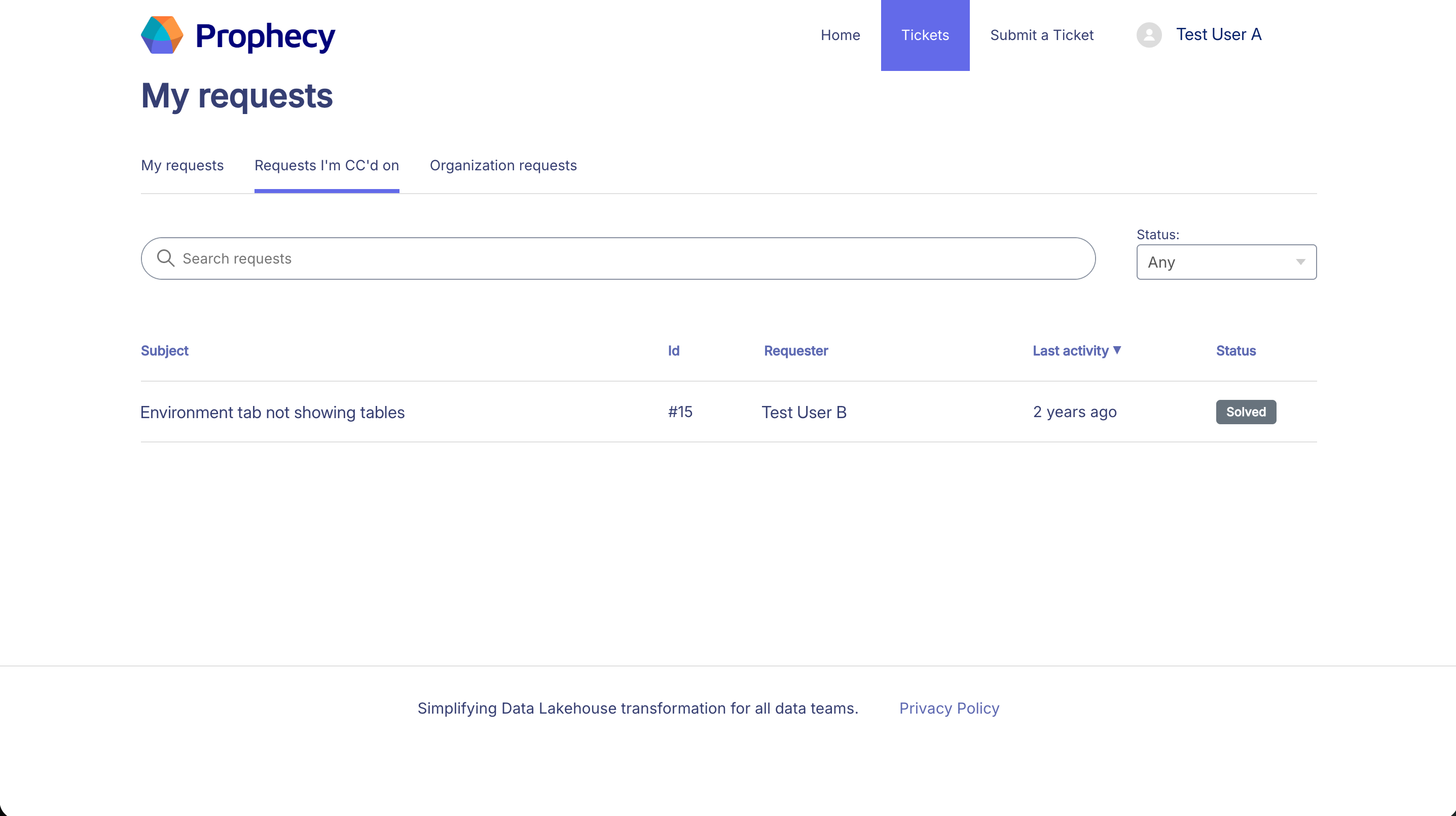
Open the requests view
- Open the Support Portal.
- Click View all tickets.
Filter the requests
You can filter the requests by status, including:
- Any (shows all requests)
- Open
- Awaiting your reply
- Solved
Case severity
Prophecy uses severity levels to prioritize issues based on business impact.| Level | Description | Initial Response | Coverage |
|---|---|---|---|
| Severity 1 Urgent | Production use is blocked/broken without a workaround.
| < 1 hour | 24/7 every day |
| Severity 2 High | Major functionality is impaired. System is functional but in a degraded or restricted state.
| < 4 hours | 24/7 every day |
| Severity 3 Normal | Non-critical functionality is impacted or a development-only issue occurs.
| < 1 business day | 9 AM - 6 PM business days |
| Severity 4 Low | General questions or feature requests with no production impact.
| < 1 business day | 9 AM - 6 PM business days |
- Updating the ticket with new details.
- Contacting your customer success manager.