Available for Enterprise Edition only.
Sources
When you create a new model, you need to define an input data source. The data source can be:- Another model. You can drag a model from the Project tab of the left sidebar onto your canvas to use it as a source.
- A Table gem. You can either use preconfigured tables from the Project tab of the left sidebar, or you can browse SQL warehouse tables in the Environment tab of the left sidebar.
Targets
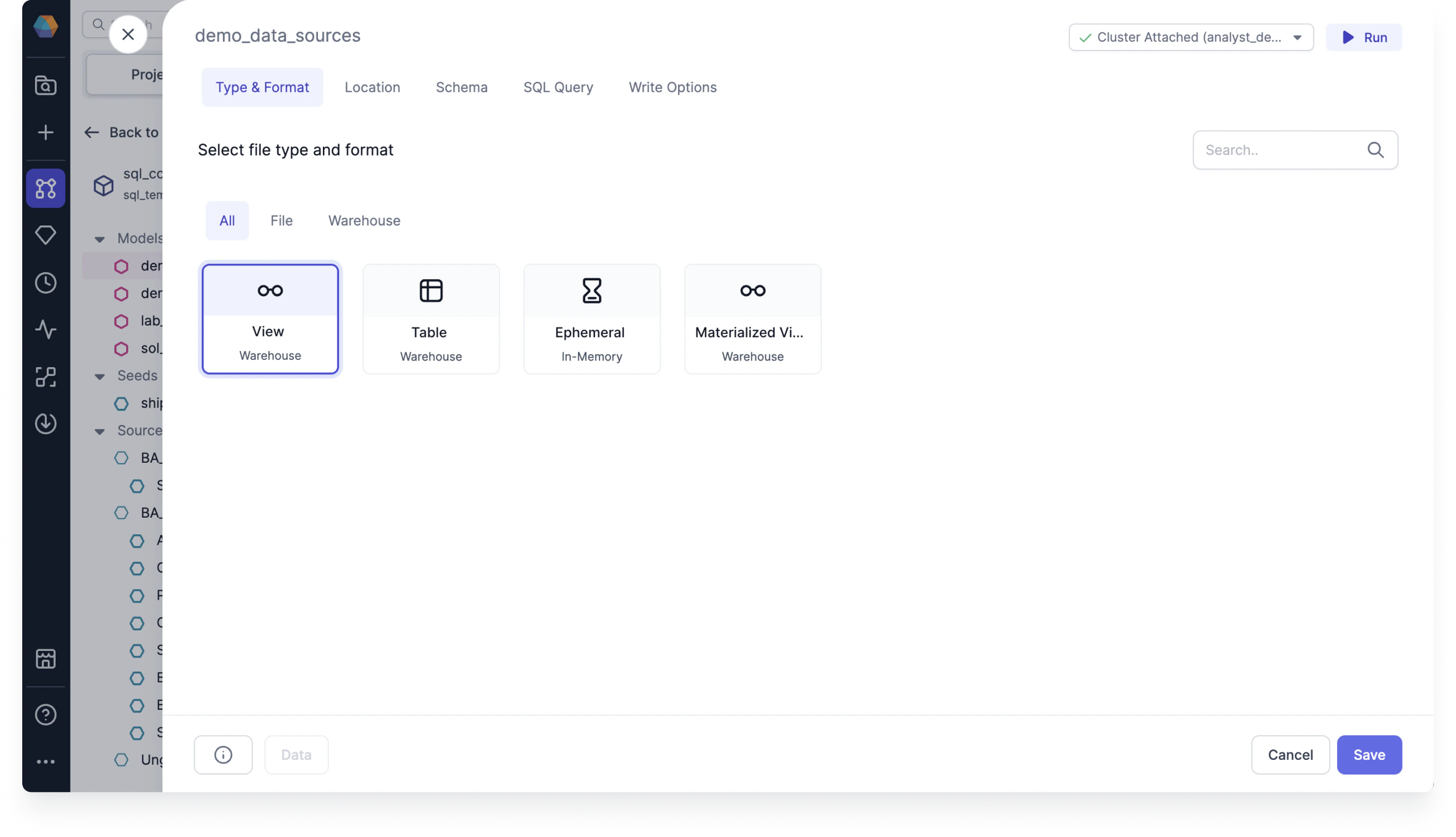
Target models let you define how you want to materialize your data using write formats. When you open a target model configuration, you’ll see the following tabs:- Type & Format: Update the format of the model between different table materialization types.
- Location: Update the location by overwriting the database, schema, or alias.
- Schema: Make schema changes and set optional dbt properties.
- SQL Query: Enable and create a custom SQL query to include at the end of the target model.
- Write Options: Choose a specific write mode such as overwrite, append, and merge.