


Available for Enterprise Edition only.
For more information, see the Databricks documentation on
allowlists.
Prerequisites
To whitelist Prophecy libraries in Databricks, you need to be a Databricks metastore admin.Option 1: Edit allowlist in the Databricks UI
Follow the instructions to whitelist Prophecy libraries through the Databricks UI.- Check your Prophecy Library version. Find your project’s Prophecy library version by checking the ProphecyLibs dependency in your project metadata.
- Note your Databricks cluster’s Spark version.
-
Copy the corresponding Maven coordinate.
Format:
io.prophecy:prophecy-libs_2.12:<version>Example:io.prophecy:prophecy-libs_2.12:3.5.0-8.0.31You can look up versions on Maven Repository that are compatible with your Spark version. -
Navigate to allowlist in Databricks.
Go to Catalog → Metastore → Allowed JARs/Init Scripts to add the path or coordinates.
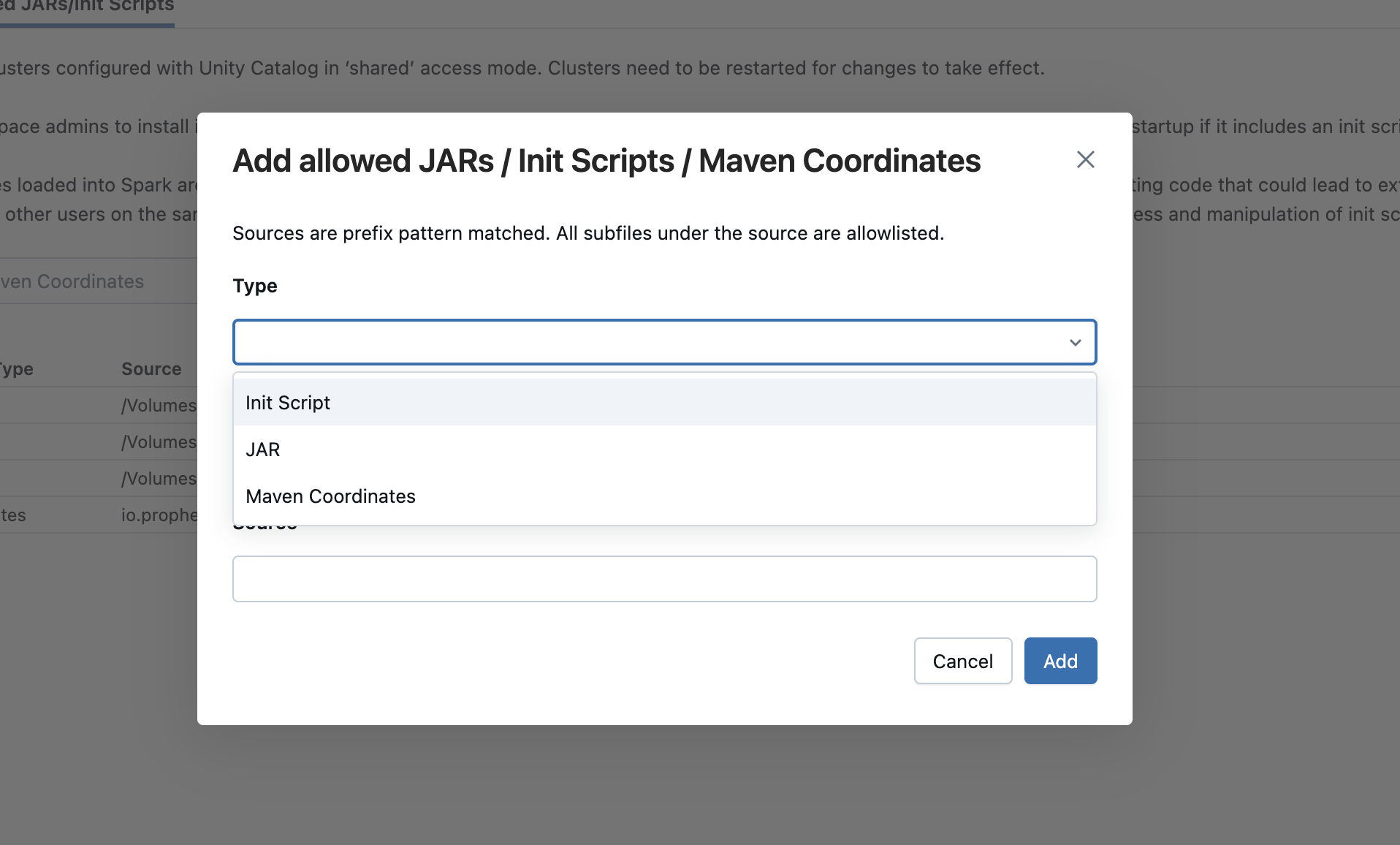
- (Optional) Add initialization script to pre-configure allowlist behavior.
Option 2: Edit allowlist via Python Notebook
Use the following Python code in a Databricks notebook to whitelist the Prophecy library Maven coordinates. This command whitelists any Maven coordinates that begin withio.prophecy.
Option 3: Edit allowlist via cURL
Prophecy library Maven coordinate
Run the following in the command line to whitelist the Prophecy library Maven coordinates. This command whitelists any Maven coordinates that begin withio.prophecy.