


Available for Enterprise Edition only.
Requirements
Livy must be installed on your cluster. Prophecy provides a script required to deploy a Dataproc cluster.Create a Dataproc Cluster
-
If you don’t already have a private key, create a private key for the service account that you’re using.
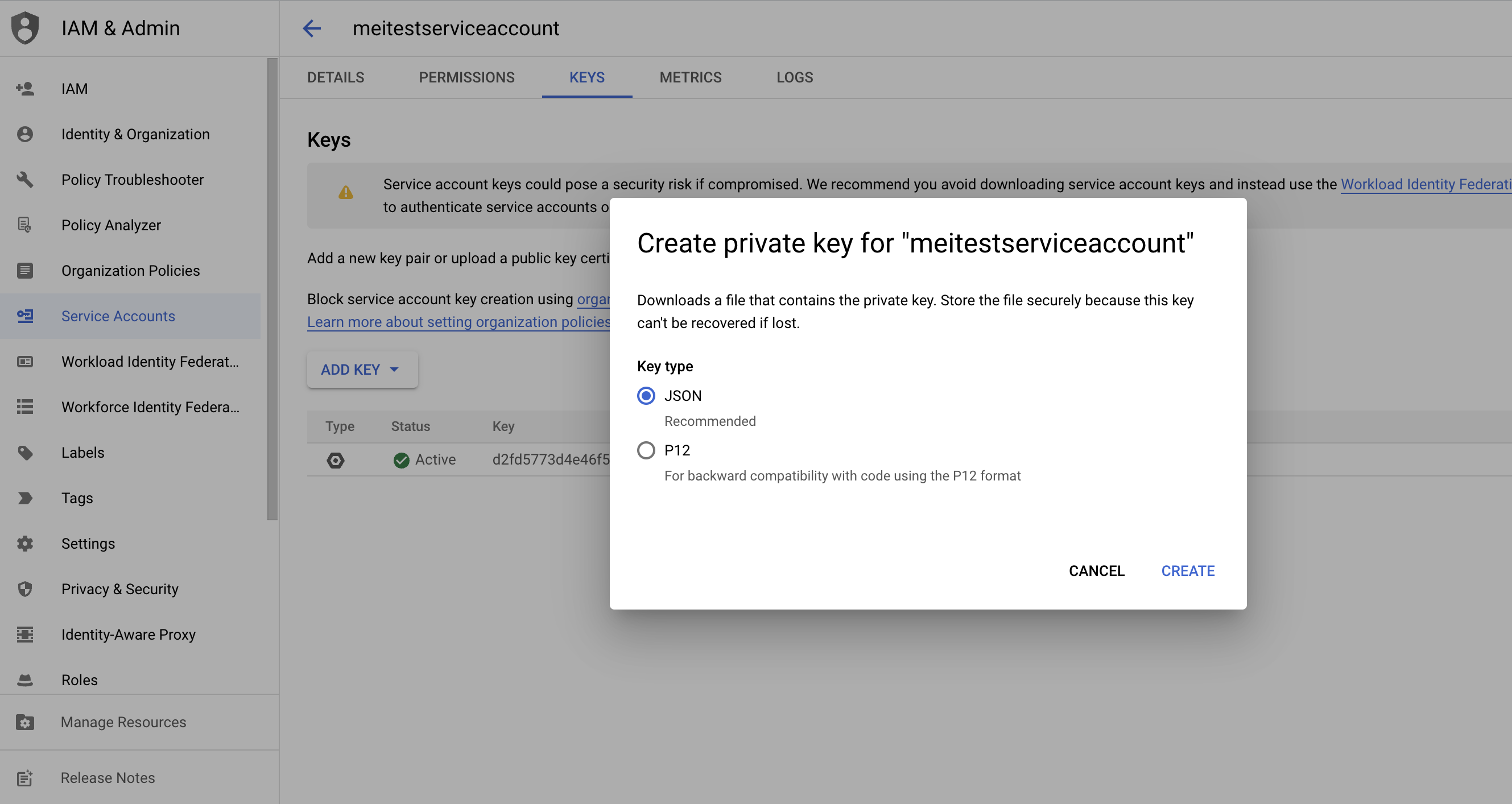
-
Ensure you have the following permissions configured.
-
Associate secret key to service account.
-
Start a Dataproc cluster using
install-livy.sh.
Create a Dataproc fabric
-
Create a fabric and select Dataproc.
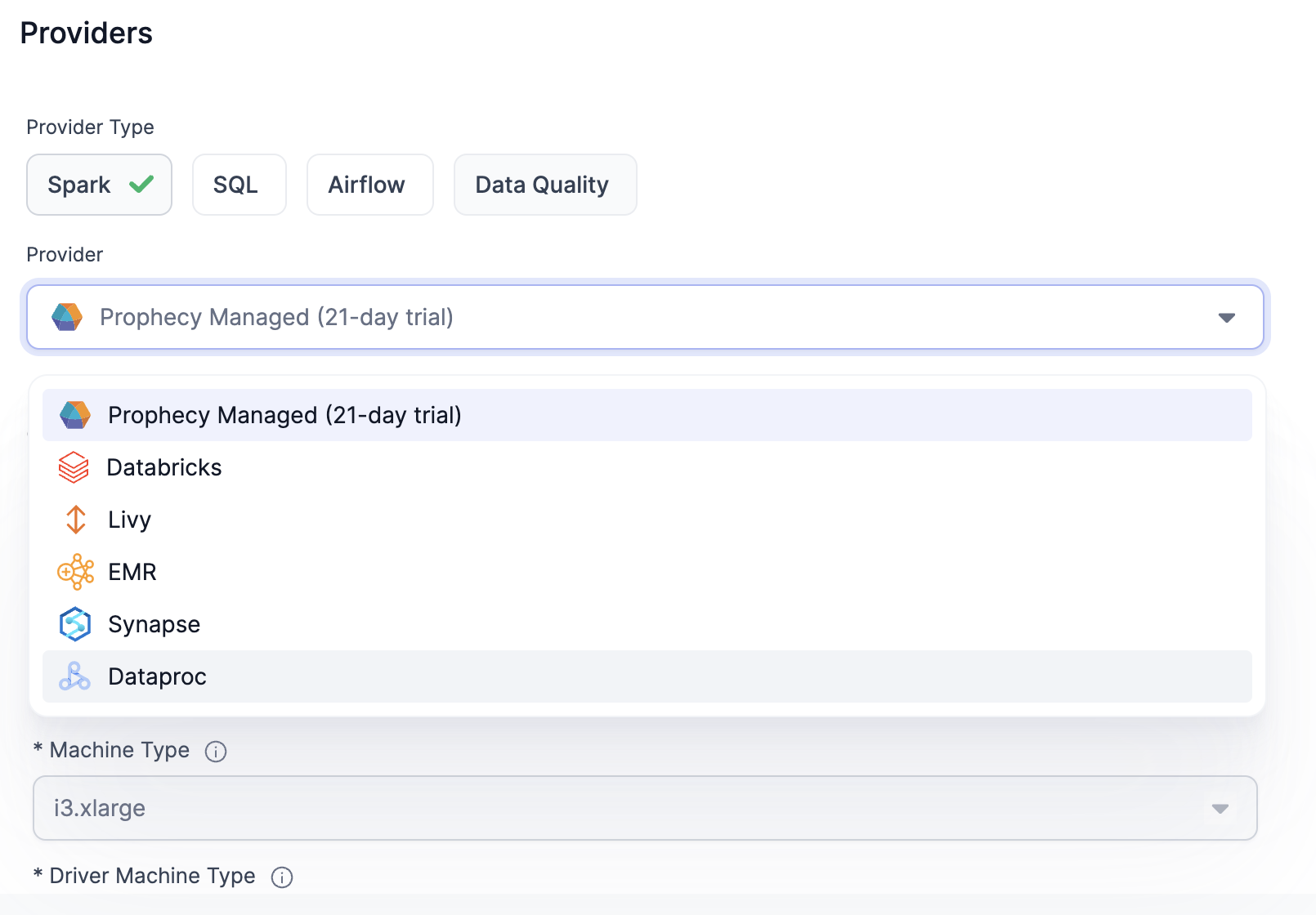
-
Fill out your Project Name and Region, and upload the Private Key.
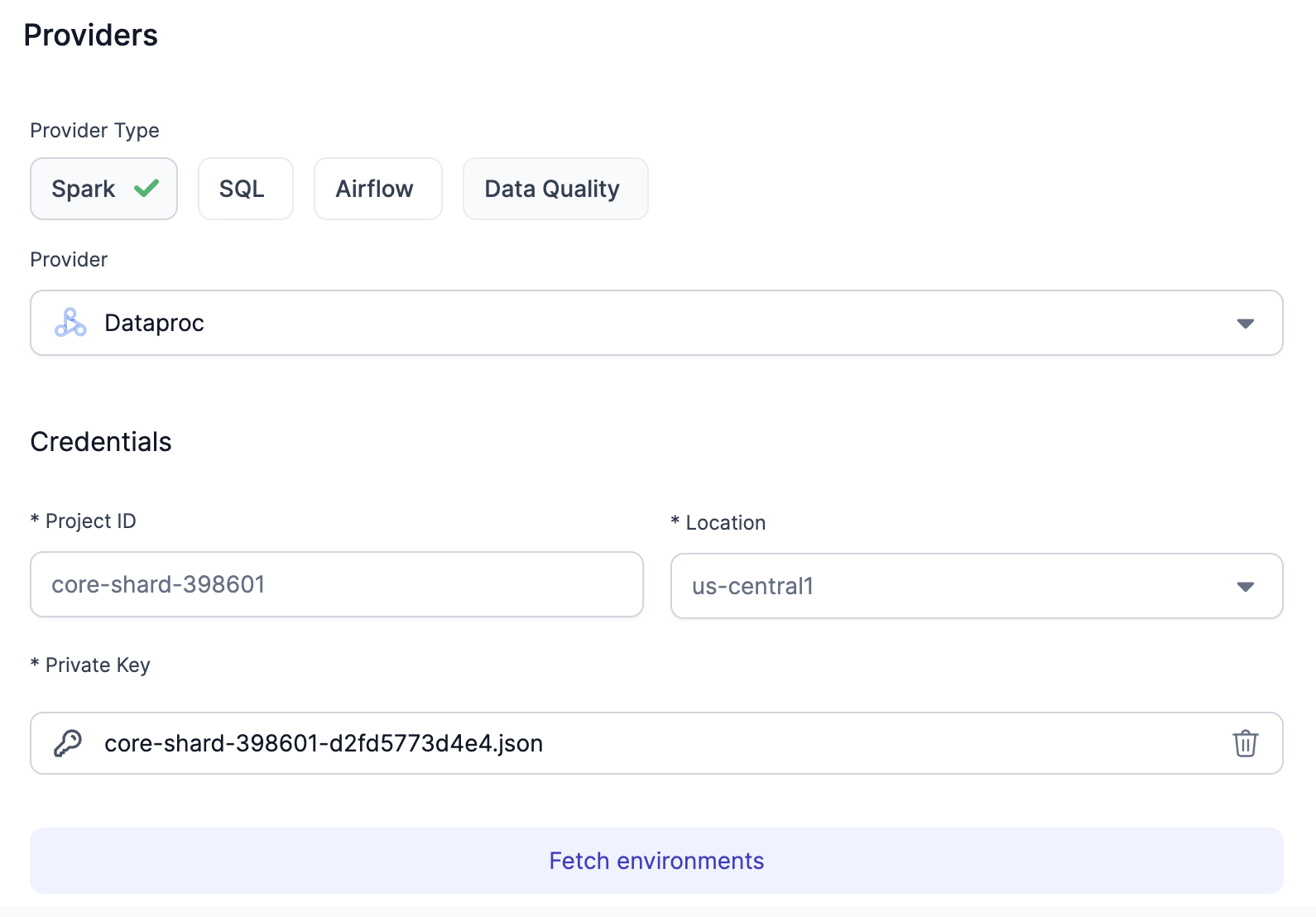
-
Click on Fetch environments and select the Dataproc cluster that you created earlier.
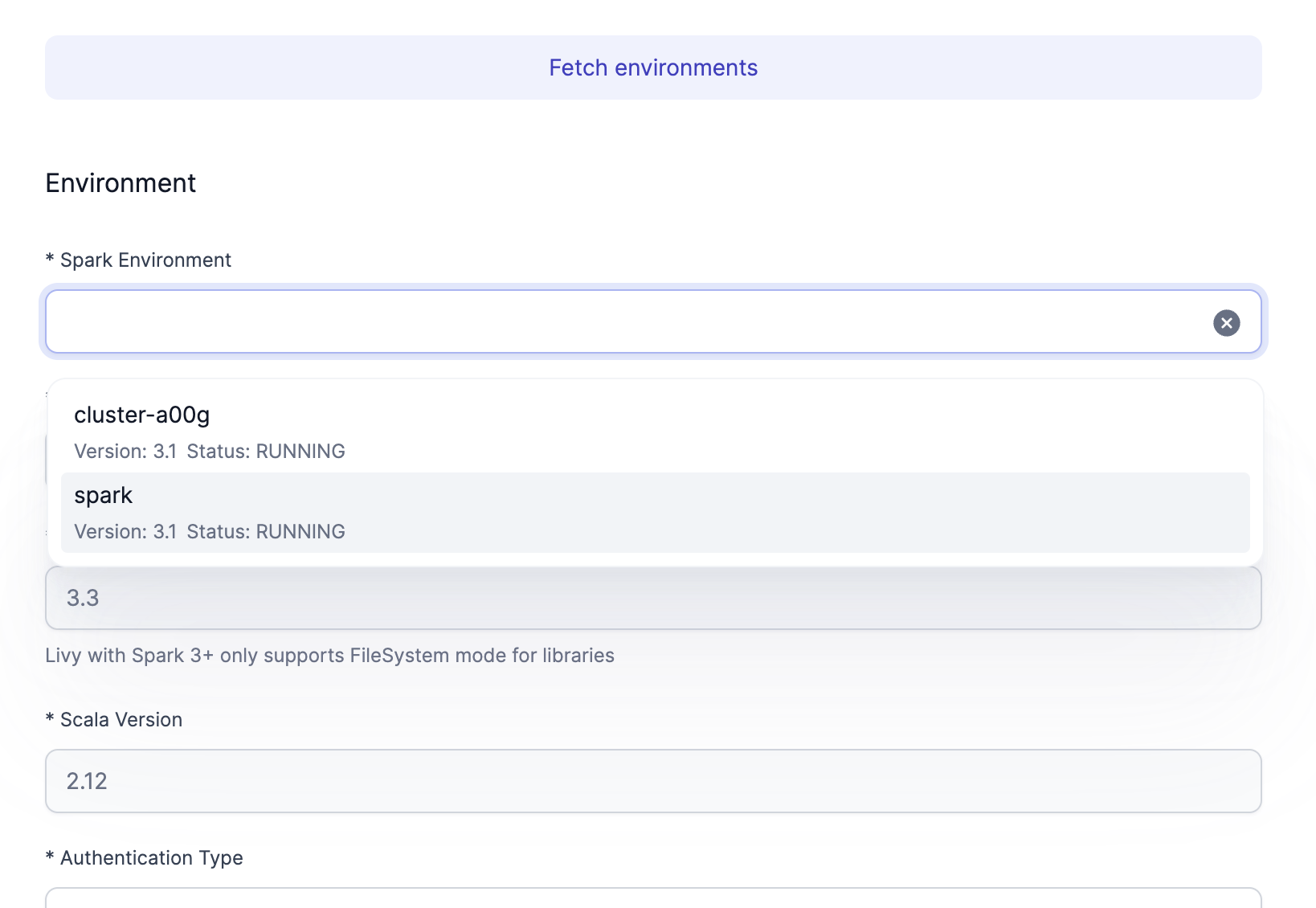
-
Leave everything as default and provide the Livy URL. Locate the External IP of your cluster instance. Optionally, you may configure the DNS instead of using the IP. The URL is
http://<external-ip>:8998.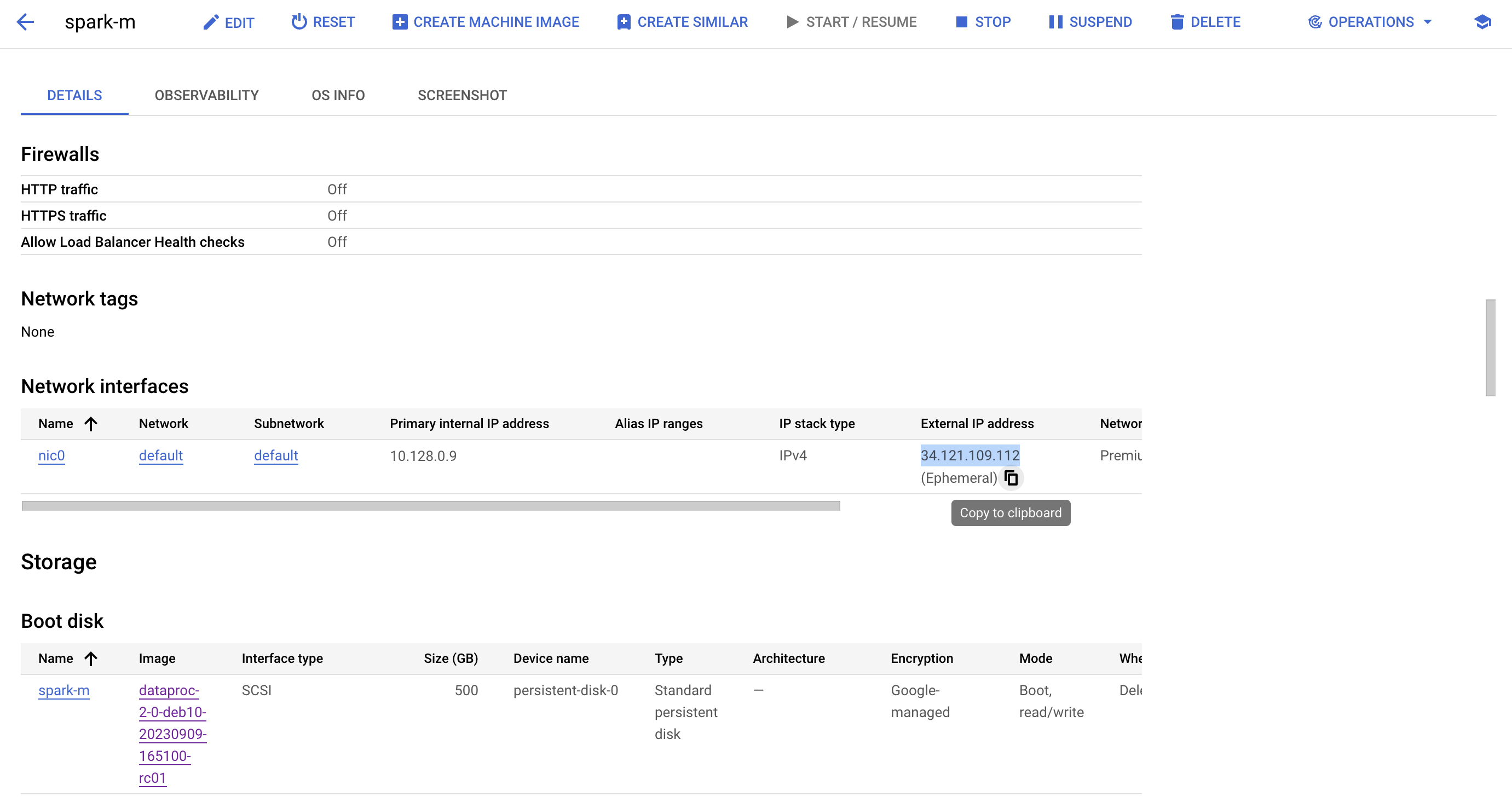
-
Configure the bucket associated with your cluster.
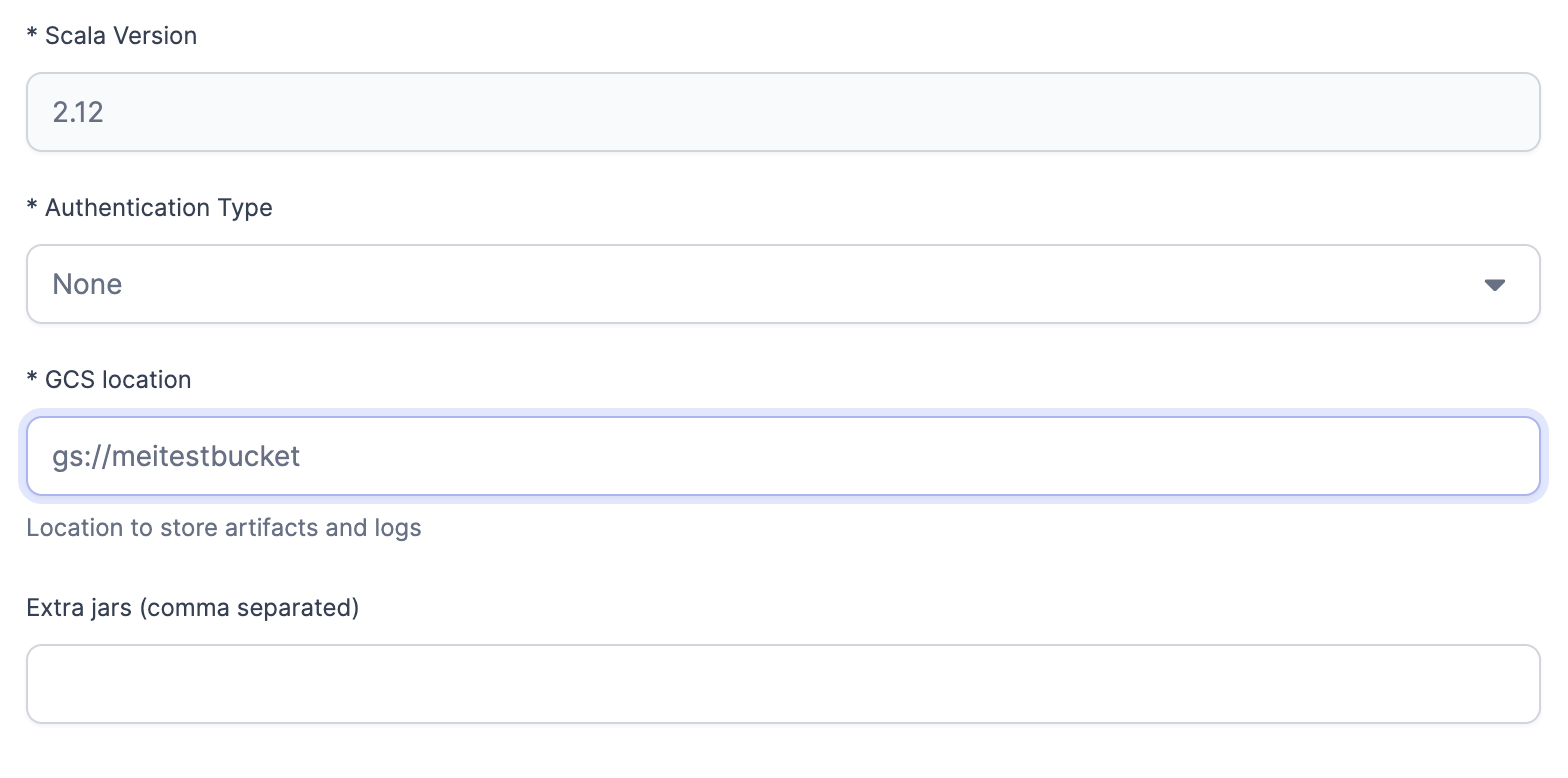
-
Add the Job Size.
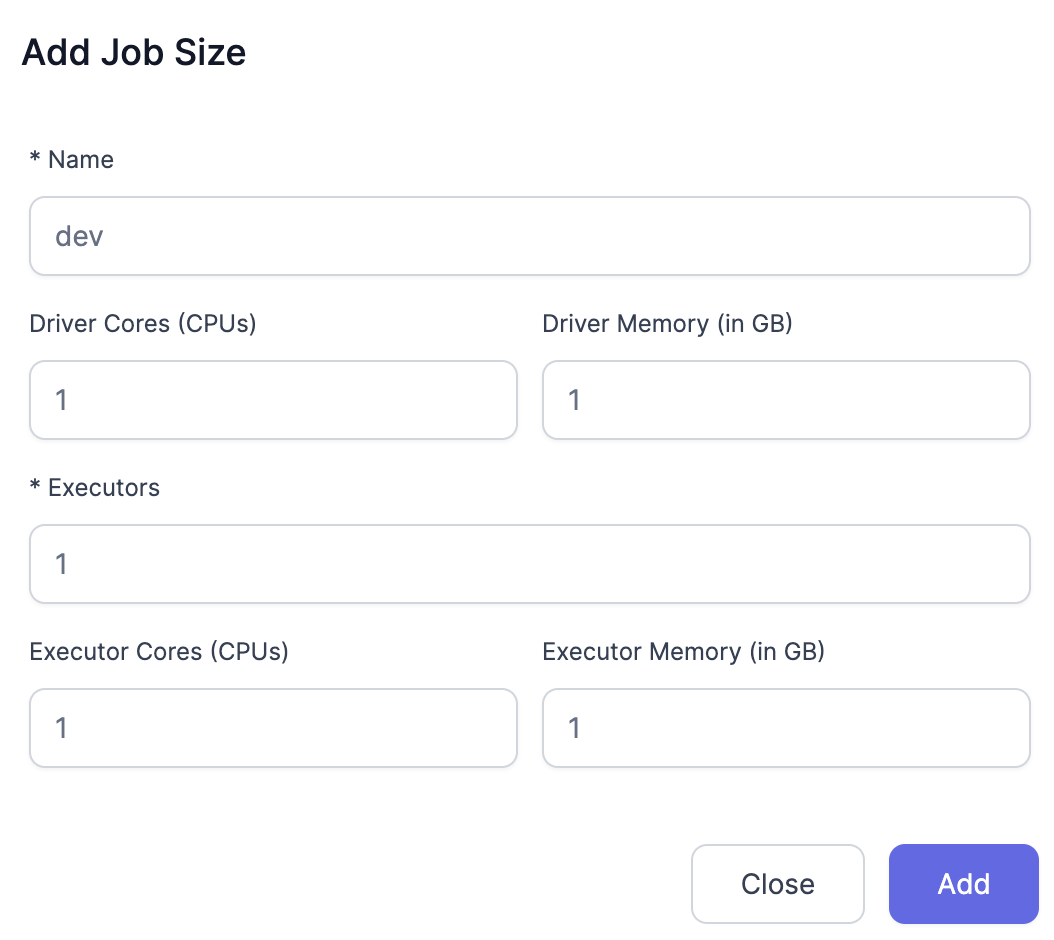
-
Configure Scala Library Path.
gs://prophecy-public-gcp/prophecy-scala-libs/. -
Configure Python Library Path.
gs://prophecy-public-gcp/prophecy-python-libs/.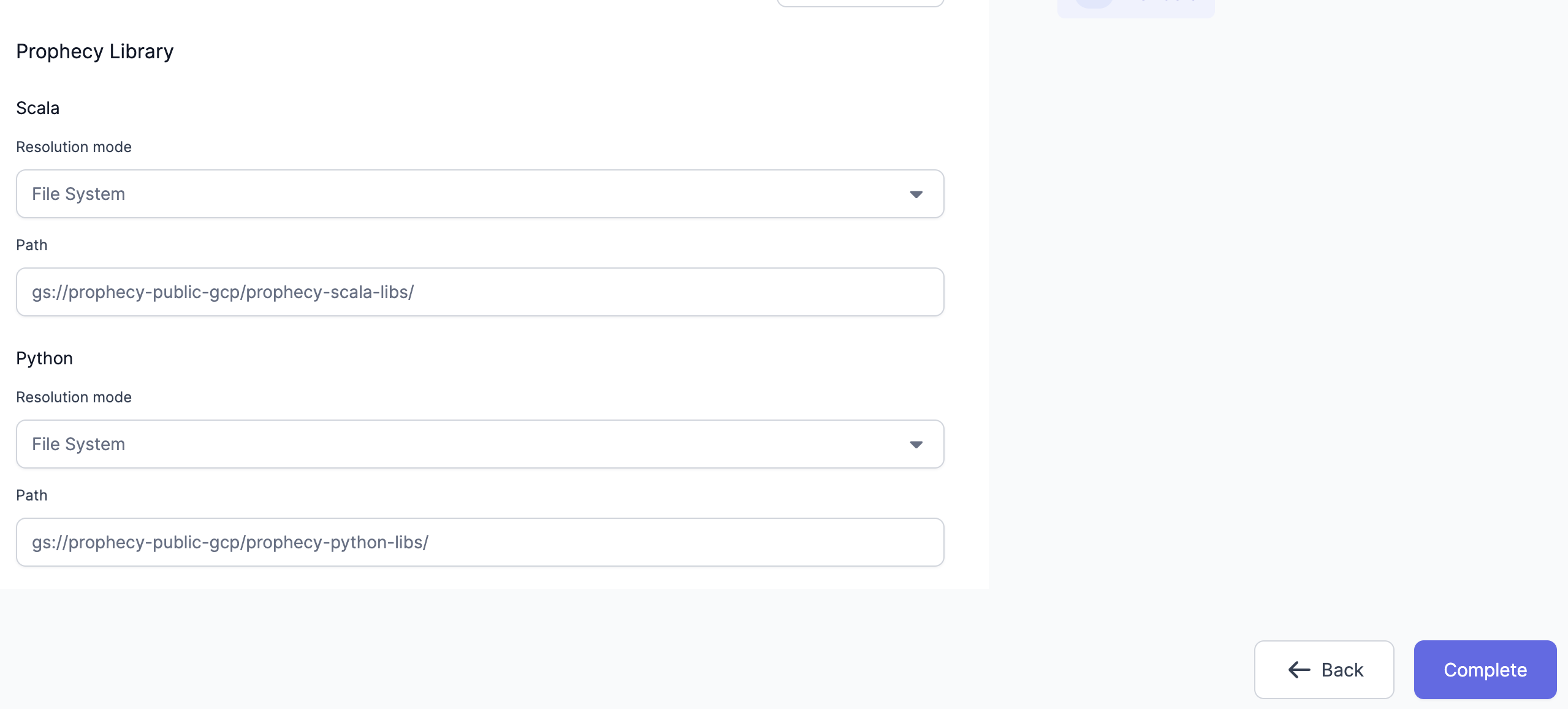
- Click on Complete.
Troubleshooting
Livy Cluster Cannot Access Scala or Python Libraries
It is possible to encounter the following error message when using a Dataproc fabric.-
Adjust Network Settings: Ensure the Livy Cluster allows outbound traffic to:
- Scala Library URL:
repo1.maven.org - Python Library URL:
files.pythonhosted.org
- Scala Library URL:
-
Configure Library Paths: Manually set the library paths:
- Scala Library Path:
gs://prophecy-public-gcp/prophecy-scala-libs/ - Python Library Path:
gs://prophecy-public-gcp/prophecy-python-libs/
- Scala Library Path:
-
Use an Internal GCS Bucket: Host the required libraries internally by creating two folders in a GCS bucket and placing
prophecy-scala-libsandprophecy-python-libsinside.