

Prerequisites
Before installing the libraries, identify which Prophecy library version your project uses. The bundle version must match your project’s Prophecy library version. To check your project’s Prophecy library version:- Open your project metadata.
- Click on the Dependencies tab.
- Find the ProphecyPythonLibs entry and note the version number.
Required libraries
The following Python libraries are required for selective sampling on Livy clusters running Spark 3.5:Installation
Prophecy provides a bundled ZIP file containing all required dependencies. This simplifies installation by including all libraries in a single package. Access the bundle from the Prophecy public S3 bucket:<prophecy-libs-version> with the version number from your project dependencies.
The bundle version must match your project’s ProphecyPythonLibs version.
1
Set the fabric's resolution mode
You’ll need to configure your Livy fabric to use the bundled library file. There are two ways to do this.Option A: Use the Prophecy public bucket as the artifactory.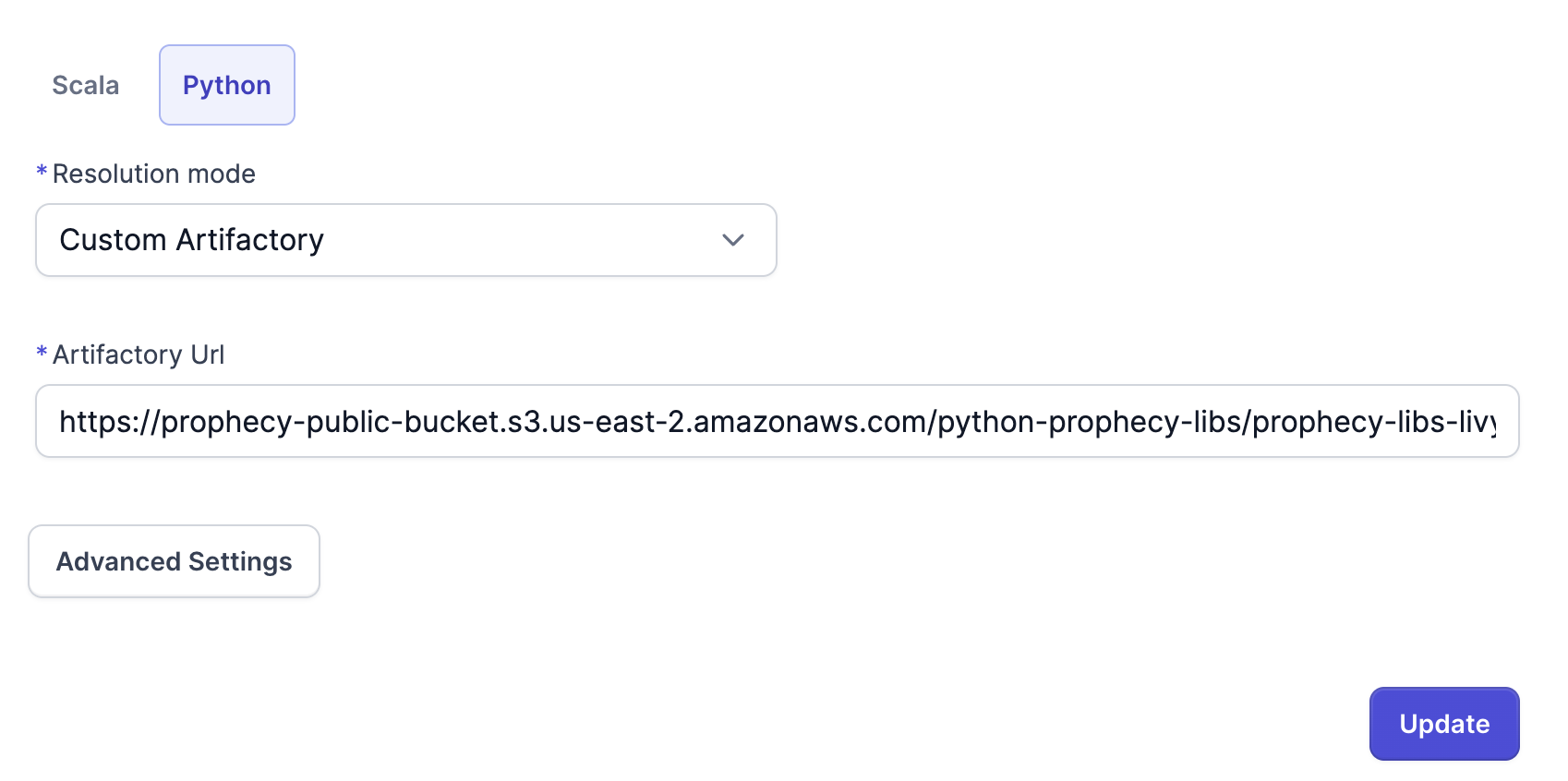
- Set Resolution mode to Custom Artifactory.
- Set the Artifactory URL to the provided bucket URL.
- Download the bundle file from the bucket.
- Upload it to your own infrastructure.
- Set the Resolution mode to File System.
- Set the Path to the location of the bundled library file.
2
Verify installation
After installation, verify that the libraries are available by running a test import in a Python session on your Livy cluster.