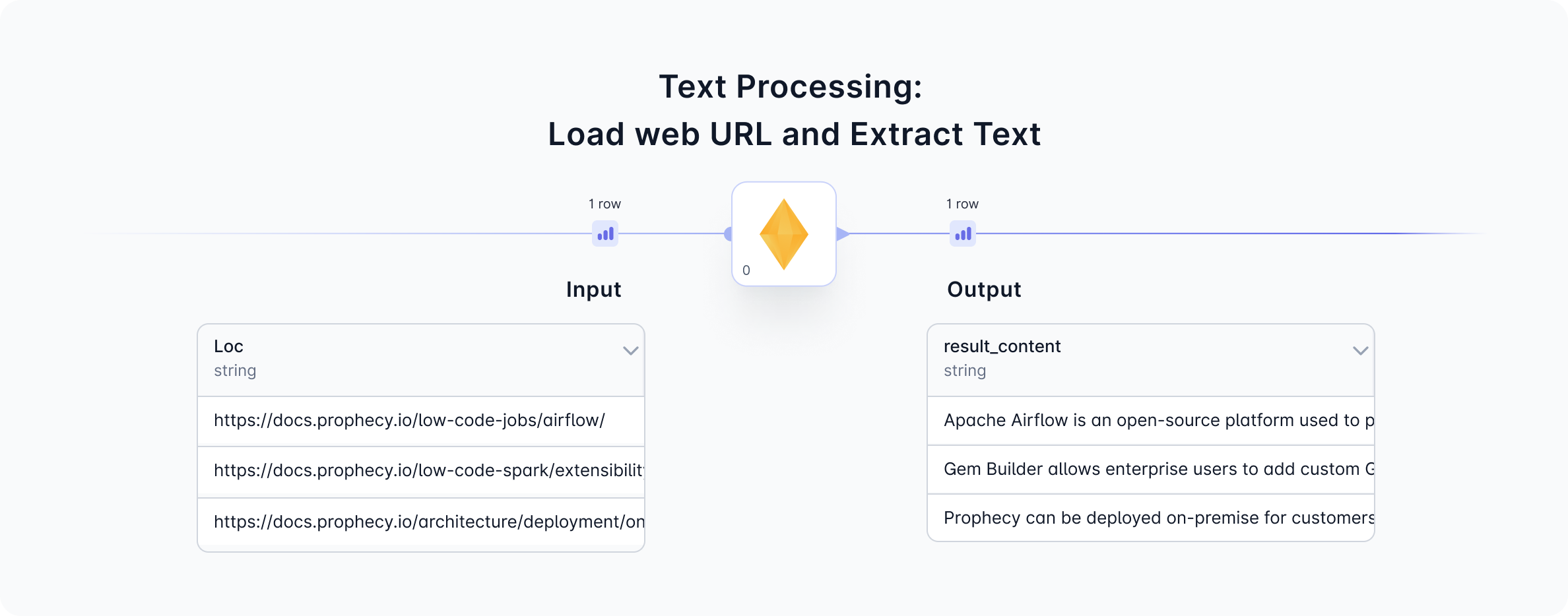
1. Load web URLs and Extract Text
Given a column with web URLs, theLoad web URLs operation will scrape the content from each URL, and output the content as a binary format or as a human readable text format, depending on the operation type selected. The figure below shows the Load web URL and Extract Text operation.
1a. Configure web scrape
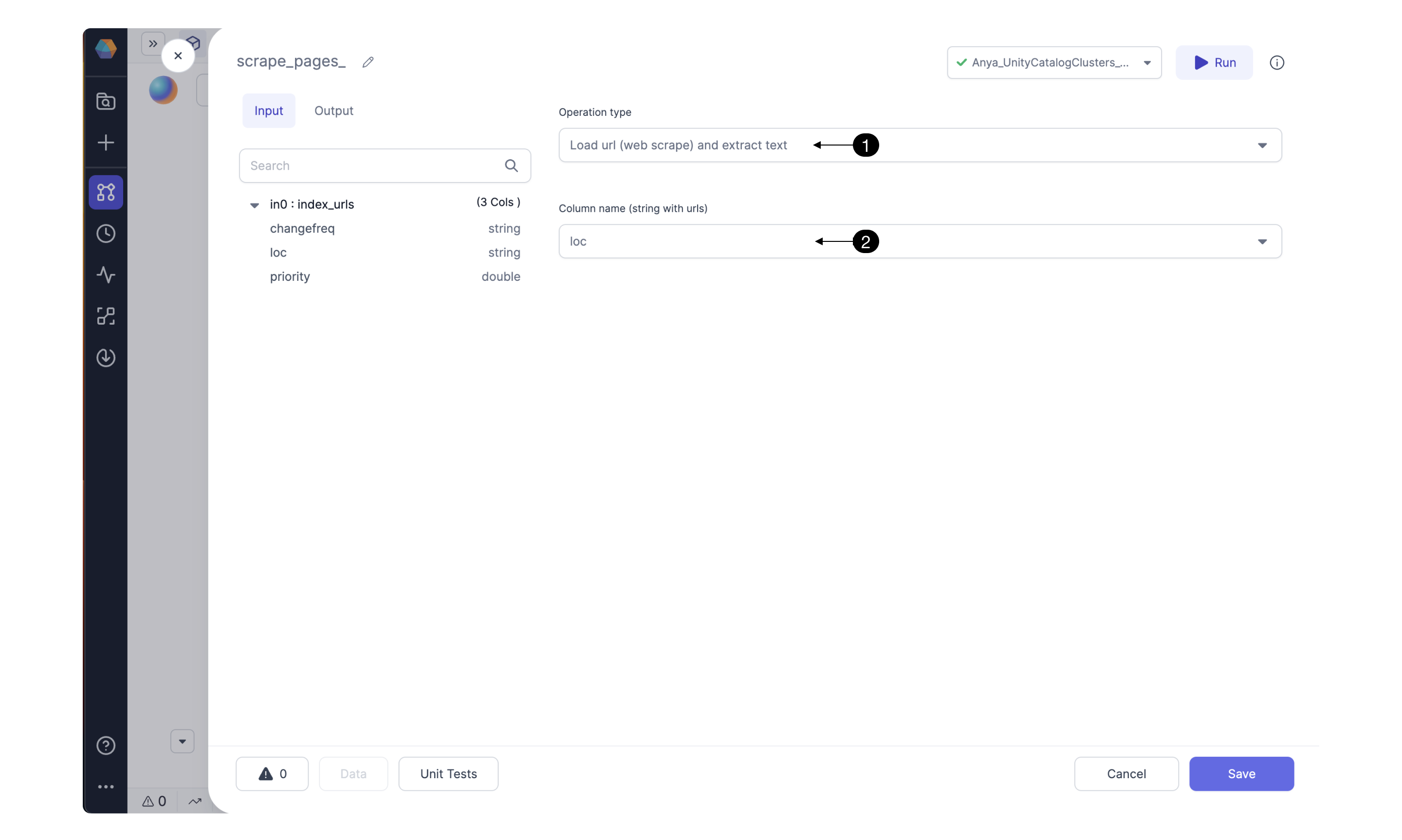
extract text operation is selected, the text will be converted from binary to human readable format. When would you want to use the binary format? Binary web scraping is useful for downloading content including images or archived documents.
1b. Input
1c. Output
1d. Generated Code
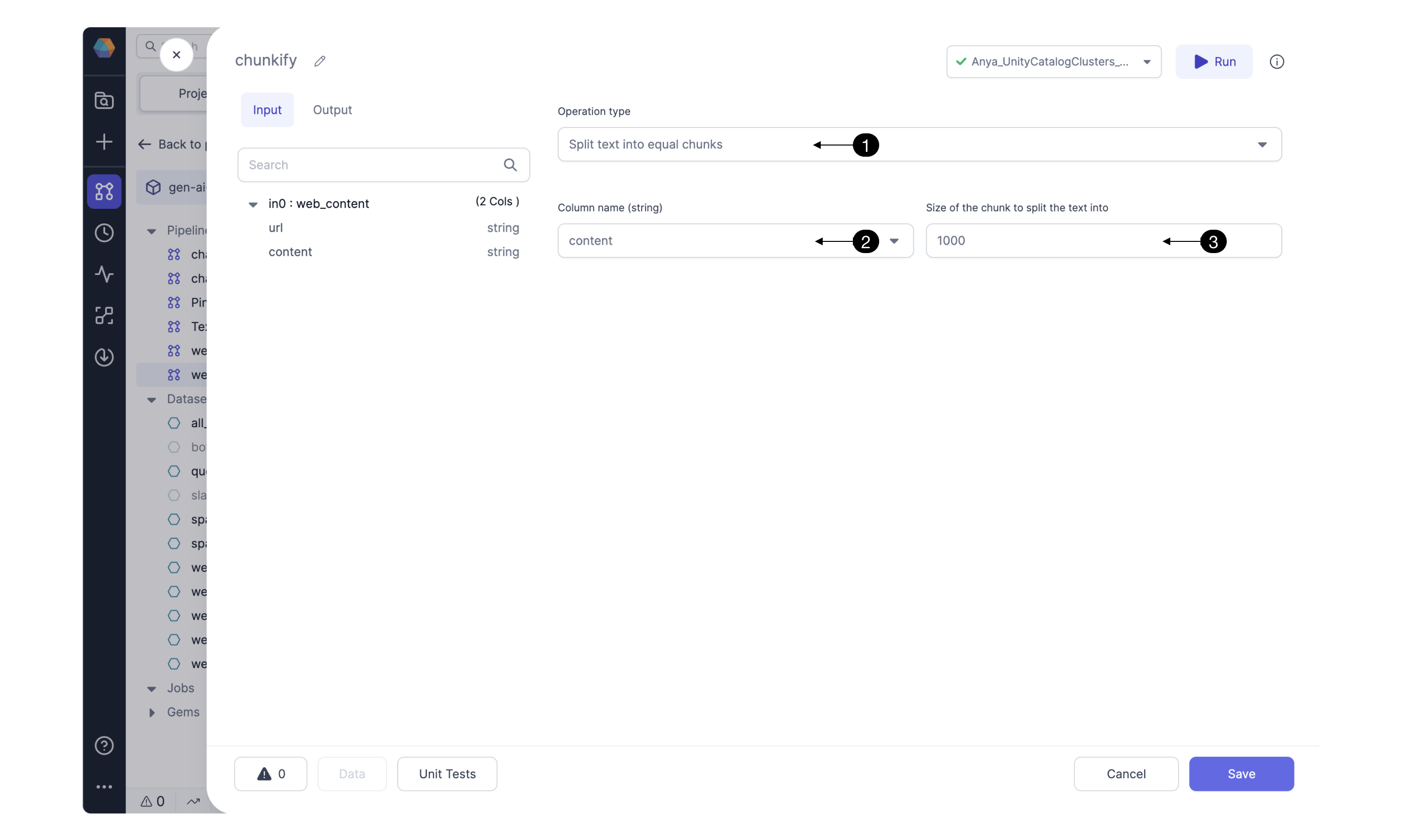
2. Split text data into equal chunks
Sometimes you’d like to send text data to a foundational model or store in a vector database, but the text is too long. For this case, just split the text into “chunks” of characters.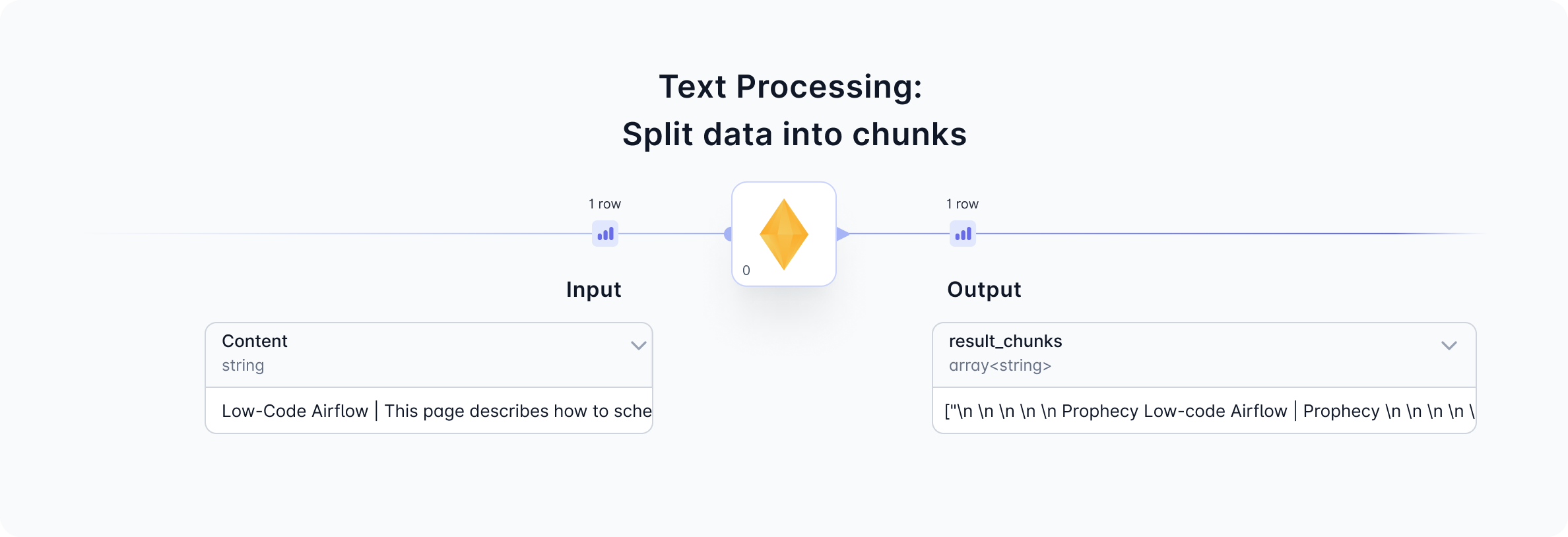
2a. Configure text splitting
Given a text input, theSplit data operation will separate the input column entries into chunks of specified size.