

- CSV, and other character separated types such as TSV.
- JSON, with a single row per line, objects spanning many lines, or arrays with objects.
- Text, formatted with one line per row.
- XLSX, and the older XLS format.
- XML, with a row tag selector.
Upload a file
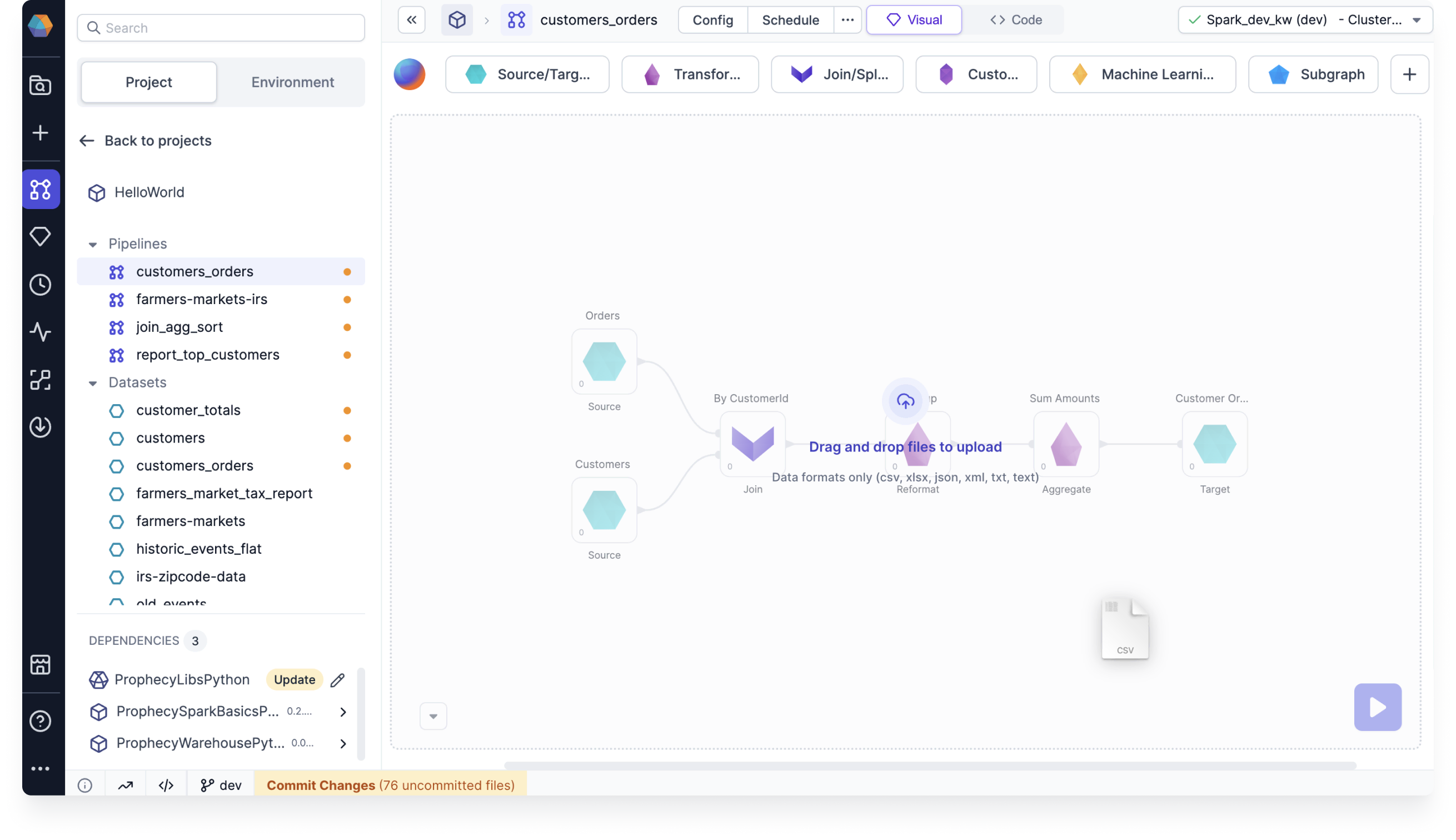
To upload a file and incorporate it into your Spark pipeline, use a Source gem. Use one of the following methods to upload your file:- Drag and drop the file directly to your pipeline canvas.
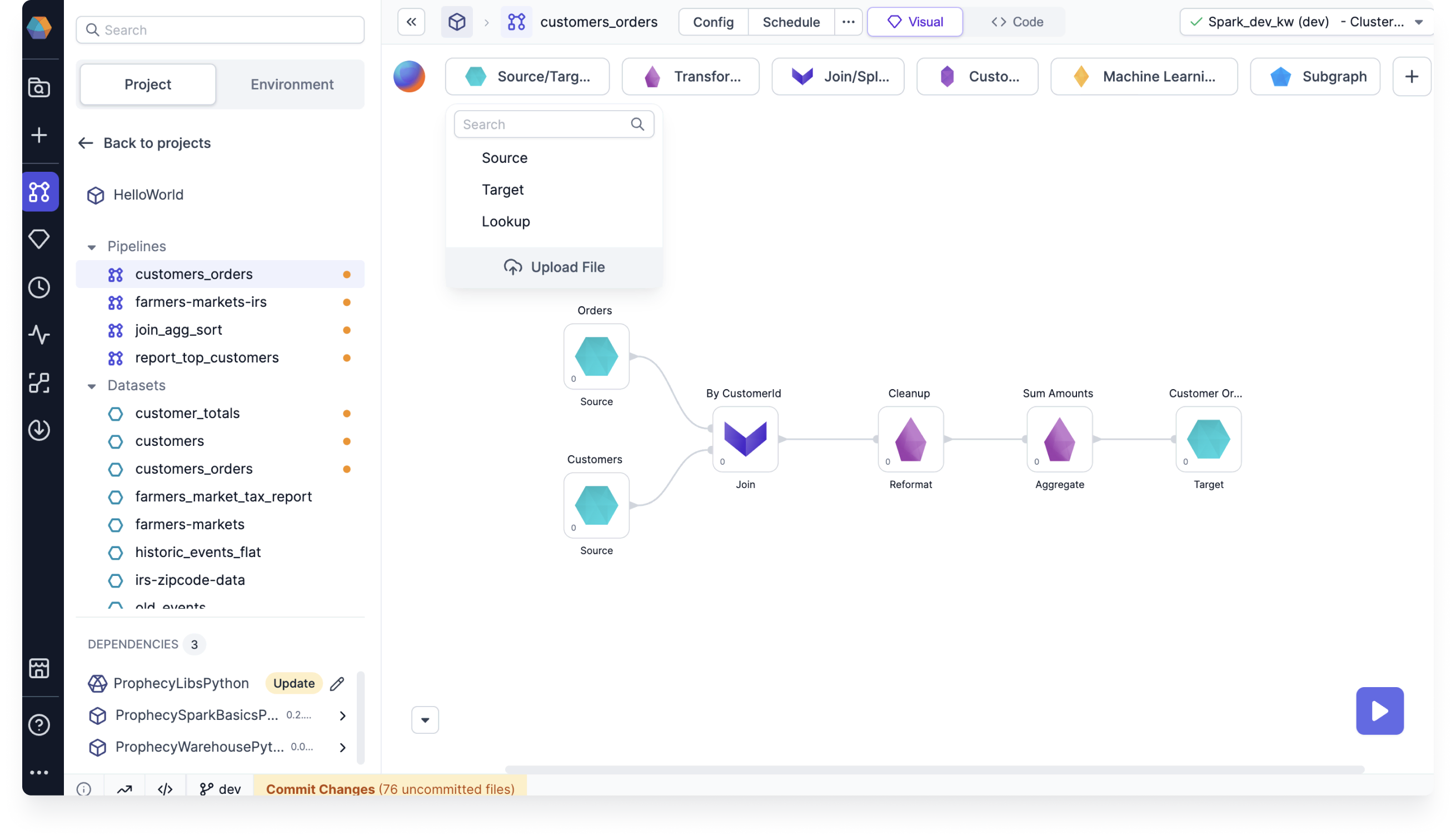
- Open the
Source/Targetgem drawer and click Upload file.
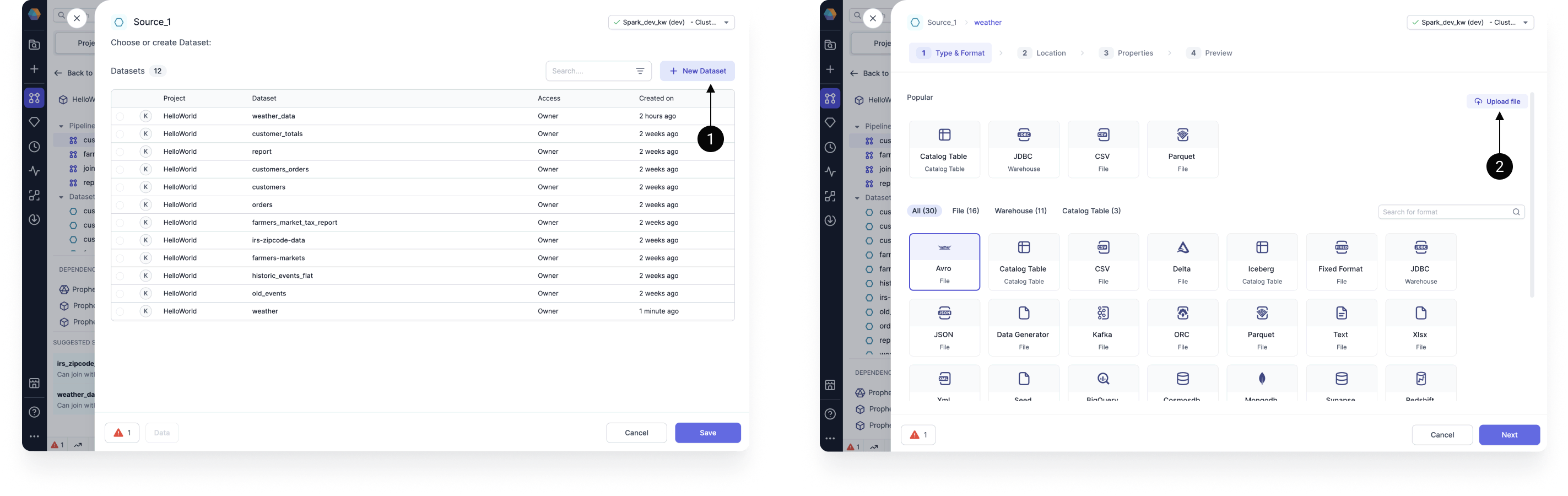
- Create a new Source gem, click + New Dataset, and select Upload file.
File configuration
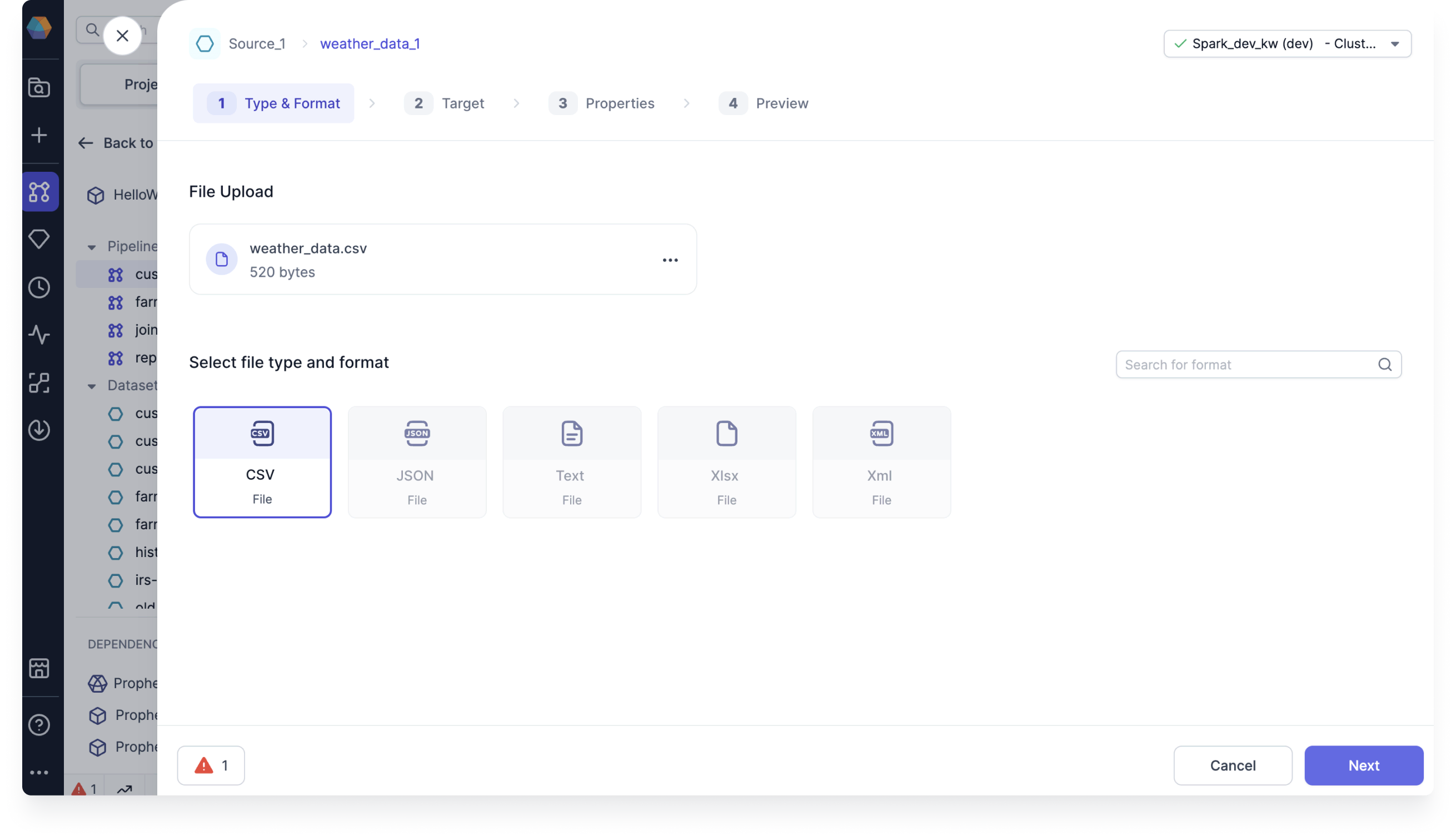
To configure your file:- Confirm or update the file type, and click Next.
-
Upload the file to a known file store location, or create a new table in your file store with the Upload and create a table option. Then, click Next.
 After you define the target location and click Next, Prophecy uploads the file to the file path, regardless if you complete the gem configuration.
 - Add each property you want to configure.
- Click Infer Schema.
- Confirm or update the schema and click Next.
- If you want to preview the table, click Load.
- Click Create Dataset.