

Dependencies & cluster requirements
Dependencies & cluster requirements
Dependencies:
- ProphecySparkBasicsPython 0.0.1+
- ProphecySparkBasicsScala 0.0.1+
- UC dedicated clusters 14.3+ supported
- UC standard clusters 15.4+ supported
- Livy clusters not supported
Prerequisites
The XLSX gem has various requirements depending on its configuration.See Spark dependencies for information on
adding pipeline dependencies.
Read with Pandas
To read/write XLSX files using the Pandas Library Type, you need to: You will need to restart or reattach your cluster for these libraries to be installed.- For Databricks Serverless:
- Update ProphecySparkBasicsPython 0.2.5+
- Update ProphecyLibsPython 2.1.5+
Read with Crealytics
To read/write XLSX files using the Crealytics Library Type:- Add
spark-excellibrary as a pipeline dependency using the Maven coordinatecom.crealytics:spark-excel_2.12:3.5.1_0.20.4
Parameters
Source
The Source gem reads data from XLSX files and allows you to optionally specify the following additional properties.Source properties
Supported parse modes
Target
The Target gem writes data to XLSX files and allows you to optionally specify the following additional properties.Target properties
Supported write modes
Writing a single output file
Due to Spark’s distributed nature, when you work with text-based files, your output is a directory containing multiple partitioned files. For example, if you write to the following location: dbfs:/FileStore/Users/test/customers.xlsx, you see the following in the DBFS:- A customers.xlsx directory.
- Partitions within the customers.xlsx directory.
-
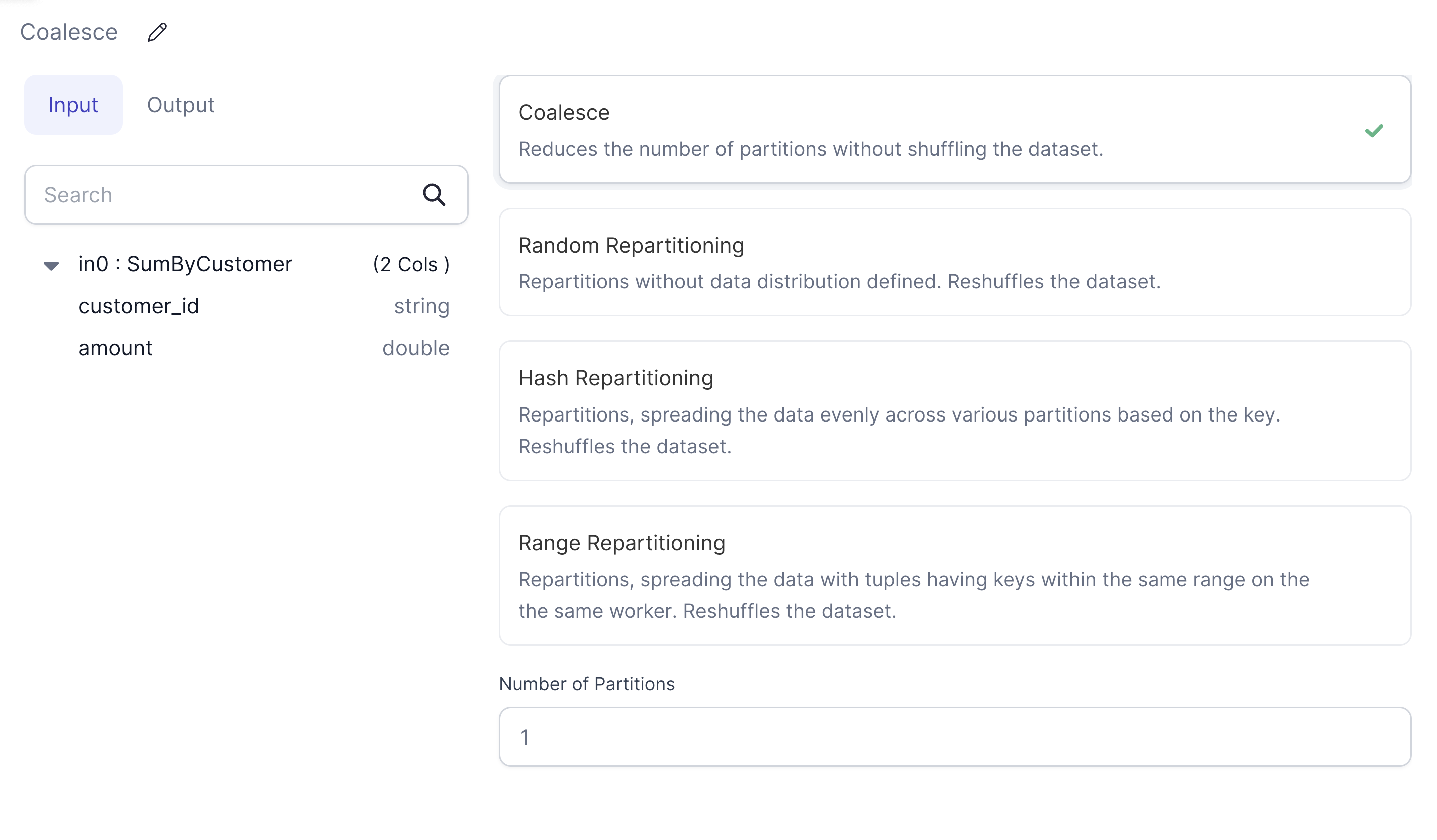
Add a Repartition gem in Coalesce mode with the Partition Count set to
1.
-
Connect the Repartition gem between your second-to-last transformation and the
Targetgem.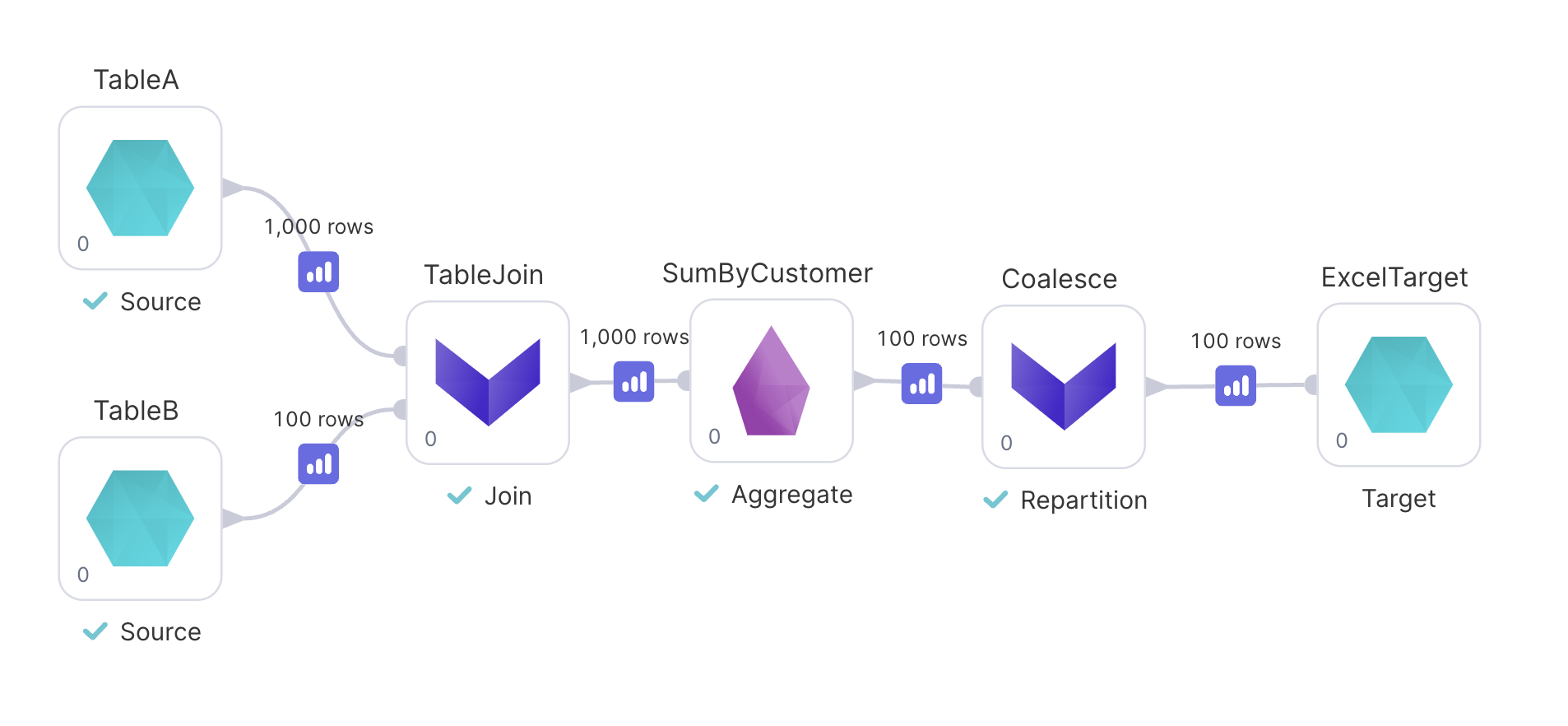
- Run your pipeline.