
Dependencies:
  • ProphecySparkBasicsPython 0.2.11+
  • ProphecySparkBasicsScala 0.1.9+
  • ProphecyLibsPython 1.9.42+
  • ProphecyLibsScala 7.1.97+
Cluster requirements:
  • UC dedicated clusters 14.3+ supported
  • UC standard clusters 14.3+ supported
  • Livy clusters 3.0.1+ supported
Use the BulkColumnRename gem to rename multiple columns in your dataset in a systematic way.

Parameters

ParameterDescription
Columns to renameSelect one or more columns to rename from the dropdown.
MethodChoose to add a prefix, add a suffix, or use a custom expression to change column names.
Based on the method you select, you will see an option to enter the prefix, suffix, or expression of your choice.

Examples

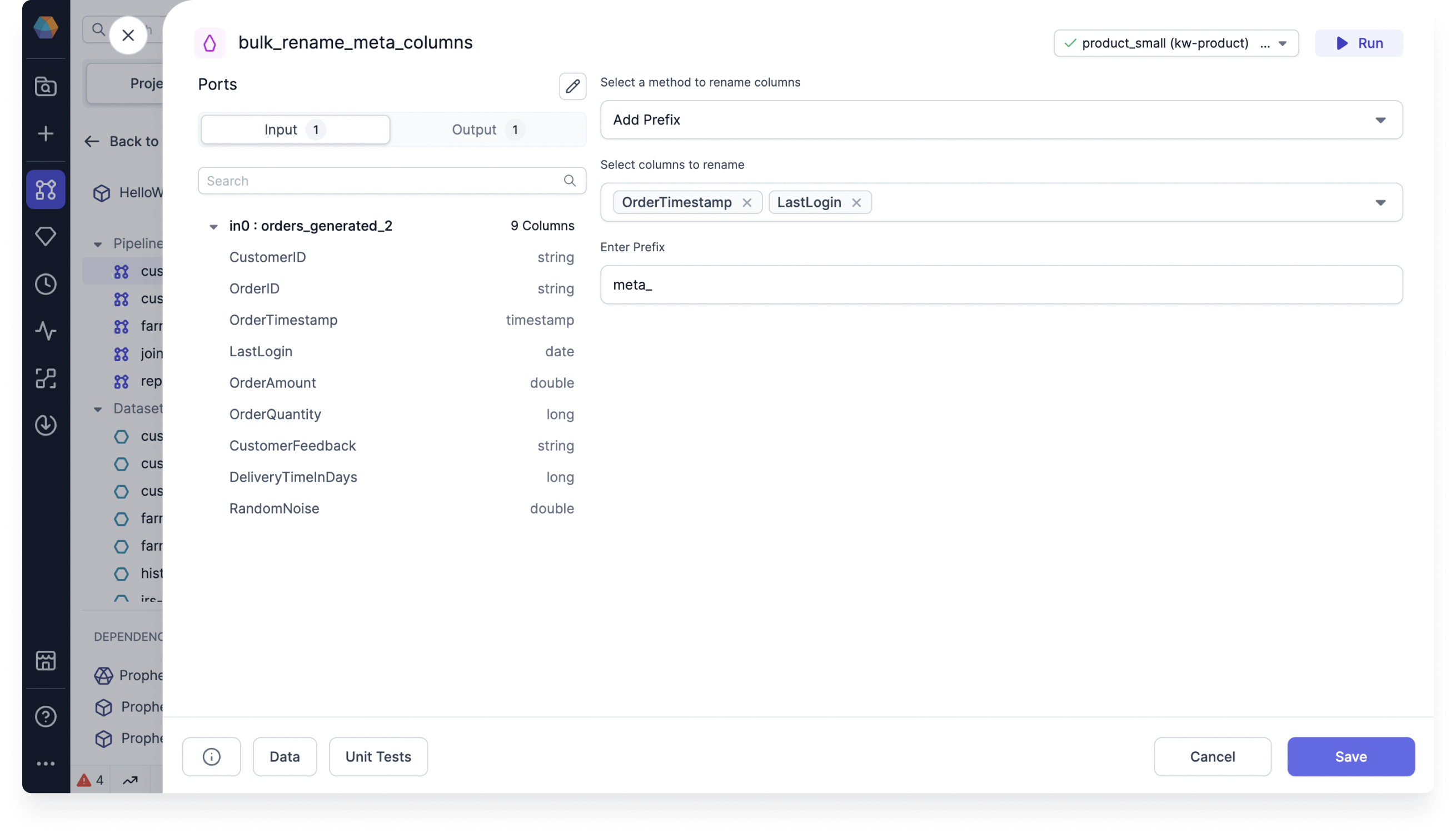
Add a prefix

One example is to add the prefix meta_ to tag columns that contain metadata. Add prefix to multiple columns
Use a custom expression

You can accomplish the same or more complex changes using a custom expression like concat('meta_', column_name).

Example code

To see the compiled code of your project, switch to the Code view in the project header.
def bulk_rename_customer_id(spark: SparkSession, in0: DataFrame) -> DataFrame:
 from prophecy.utils.transpiler.dataframe_fcns import evaluate_expression

 return evaluate_expression(
 in0,
 userExpression = "concat('int_', column_name)",
 selectedColumnNames = ["customer_id"],
 sparkSession = spark
 )