

Dependencies & cluster requirements
Dependencies & cluster requirements
Dependencies:
- ProphecySparkBasicsPython 0.0.1+
- ProphecySparkBasicsScala 0.0.1+
- UC dedicated clusters 14.3+ supported
- UC standard clusters 14.3+ supported
- Livy clusters 3.0.1+ supported
The Input
FlattenSchema works on DataFrames that have nested columns that you’d like to extract into a flat schema. For example, with an input schema like so: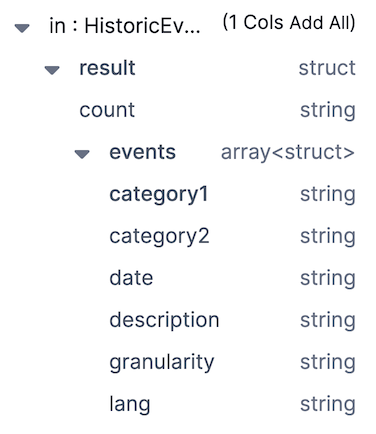

count from result and all of the columns from events into a flattened schema.
The Expressions
Having added a FlattenSchema gem to your pipeline, all you need to do is click the column names you wish to extract and they’ll be added to the Expressions section. Then, you can change the values in the Target Column to change the name of output columns.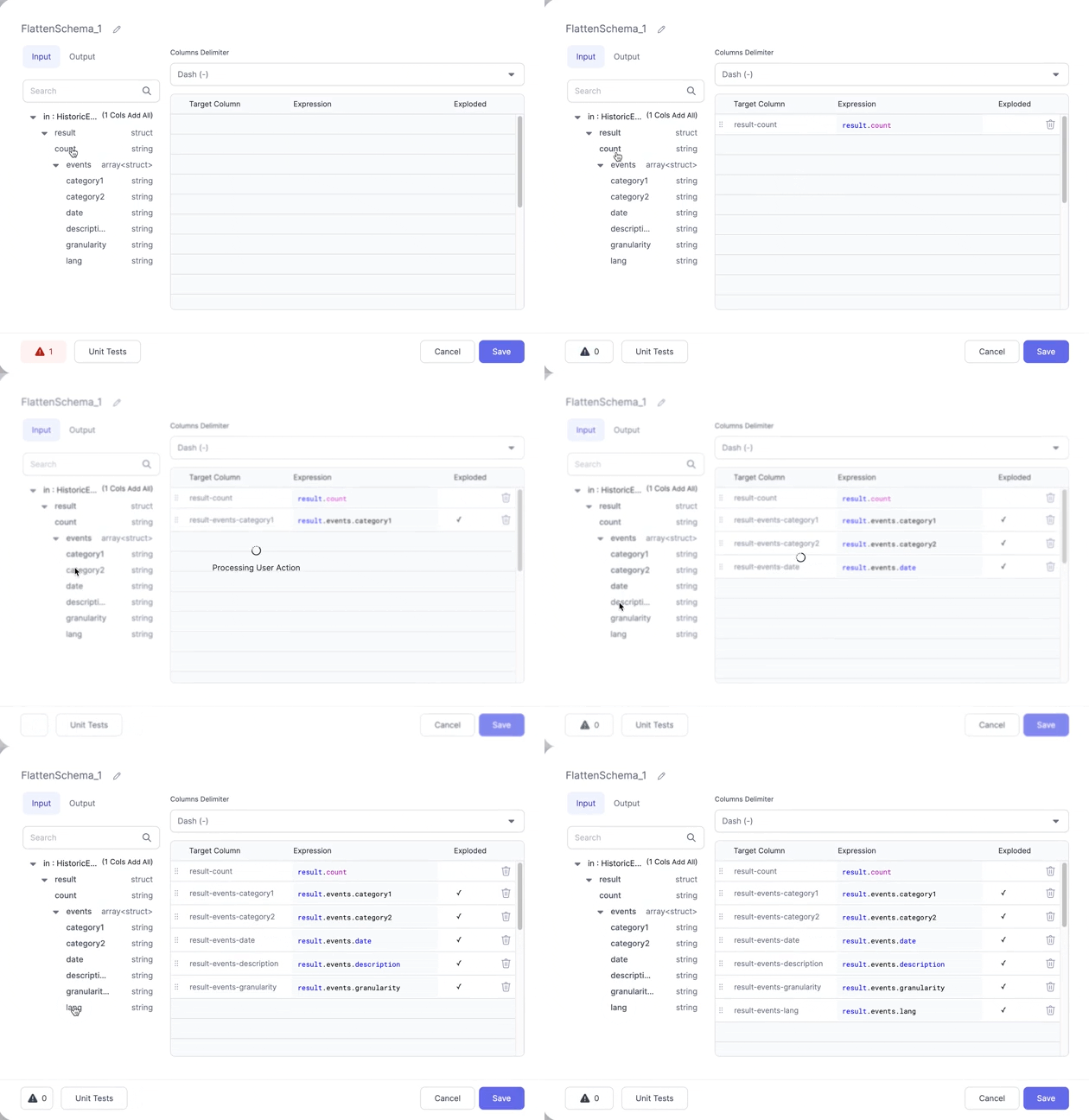
The Output
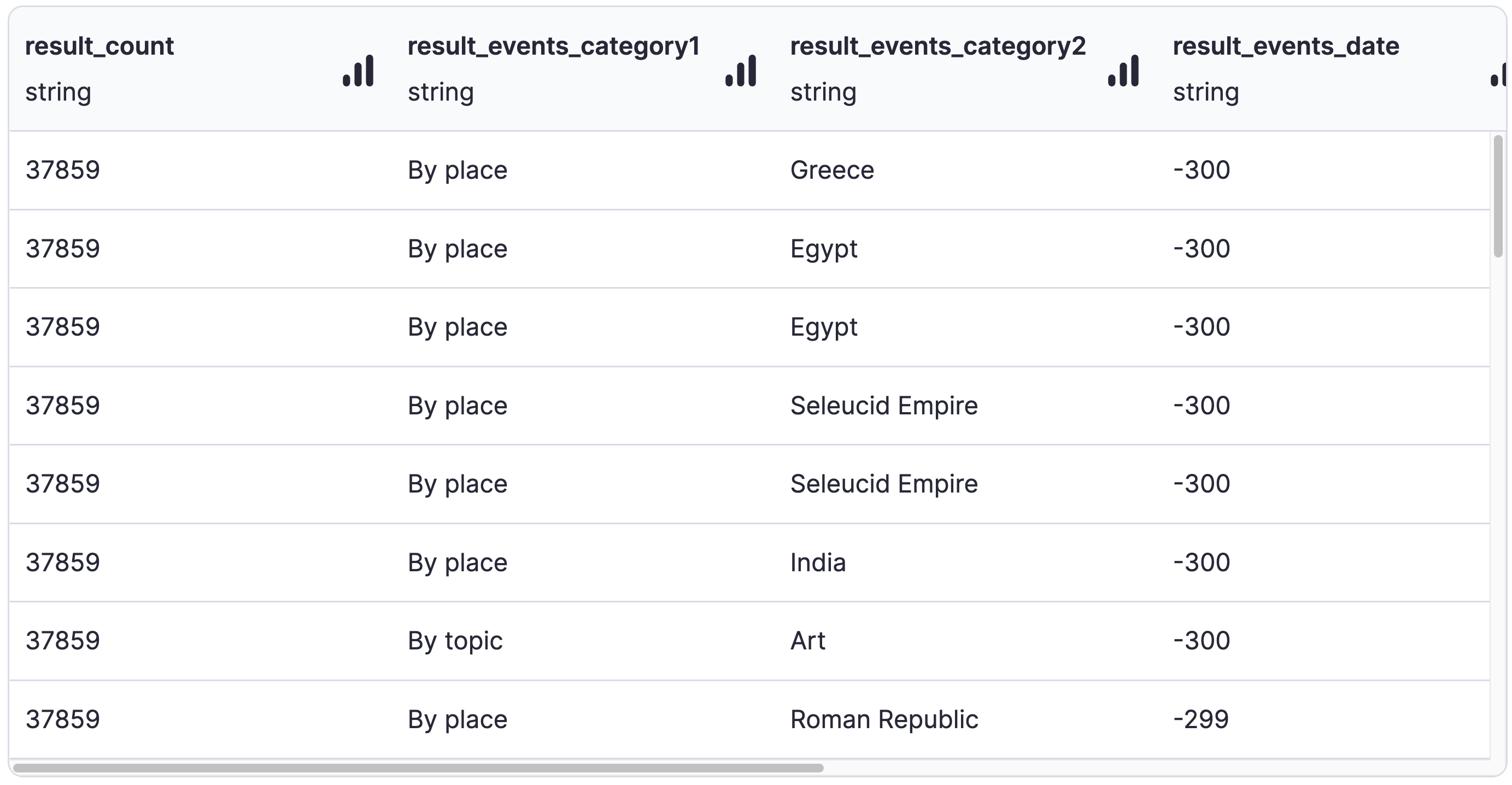
If we check the Output tab in the gem, you’ll see the schema that we’ve created using the selected columns.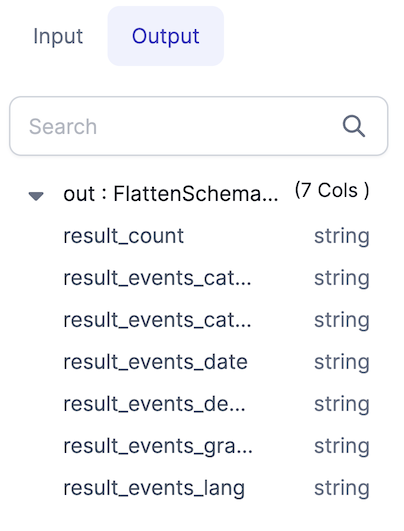
For more advanced use cases, the Spark
explode function is available to use in the
Reformat gem, Custom SQL gem, or anywhere else that
accepts Spark expressions.