Input and Output
| DataFrame | Description |
|---|---|
| in0 | Includes the DataFrame on which duplicates will be checked. Note: FuzzyMatch only allows one input. |
| out | Generates one record per fuzzy match. |
Parameters
Configuration
| Parameter | Description |
|---|---|
| Merge/Purge Mode | Records are either compared from a single source (Purge) or across multiple sources (Merge). Merge mode assumes that multiple sources exist in the same DataFrame in0. |
| Source ID Field | Unique identifier for each source when using Merge mode. This is necessary because the different sources exist in the same DataFrame in0. |
| Record ID Field | Unique identifier for each record. |
| Match threshold percentage | If the match score is less than the threshold, the record does not qualify as a match. |
| Include similarity score | Checkbox to enable for an additional output column that includes the similarity score. |
Match Fields
| Parameter | Description |
|---|---|
| Field name | Name of the column that you want to check for duplicates. |
| Match function | The method that generates the similarity score. |
Example
One common use case for the FuzzyMatch gem is to match similarly spelled names. This can be useful for identifying accidentally misspelled names.-
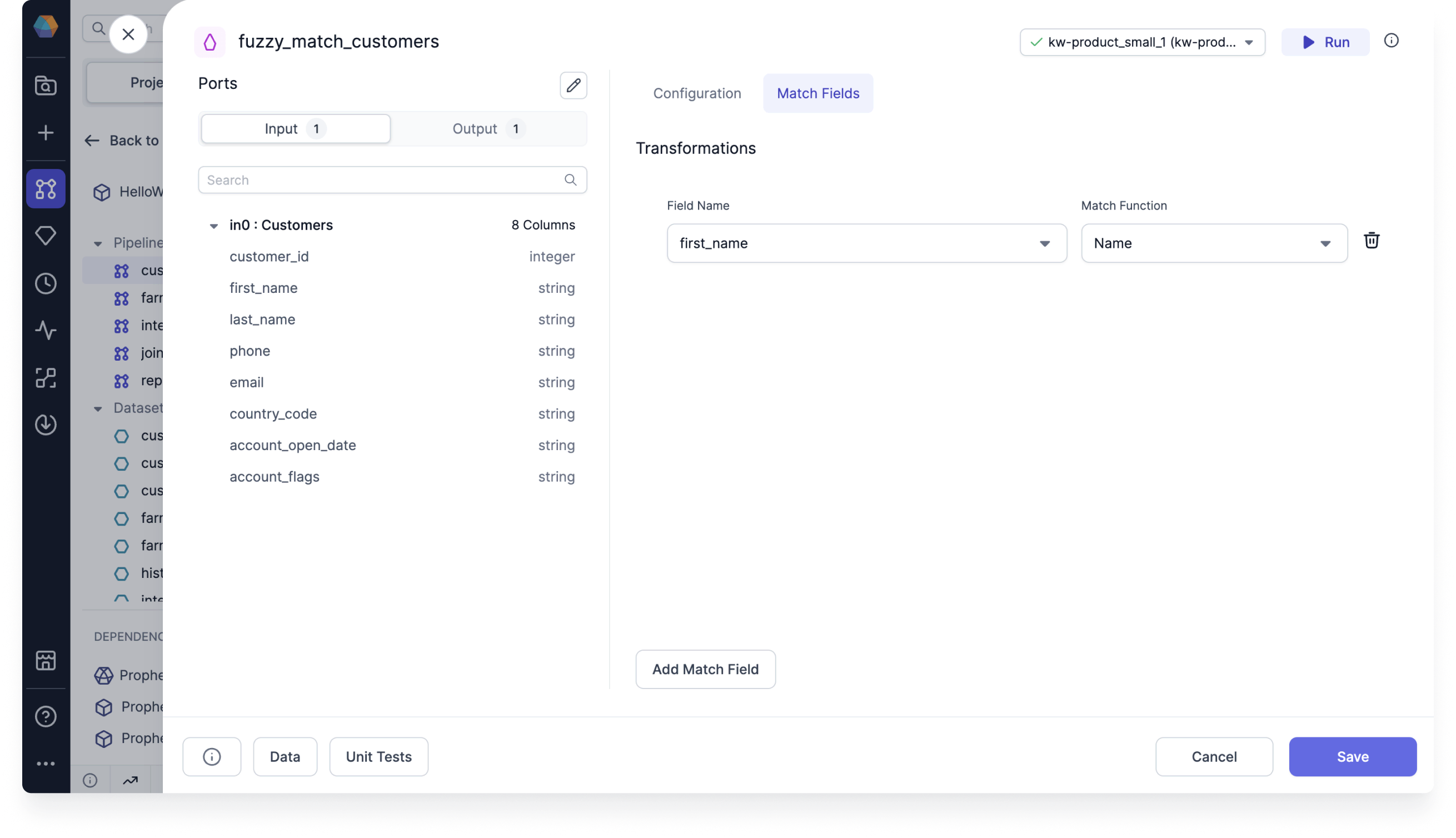
Create a FuzzyMatch gem and use the customer_id as the Record ID. Then, add a match field for the first_name column.
-
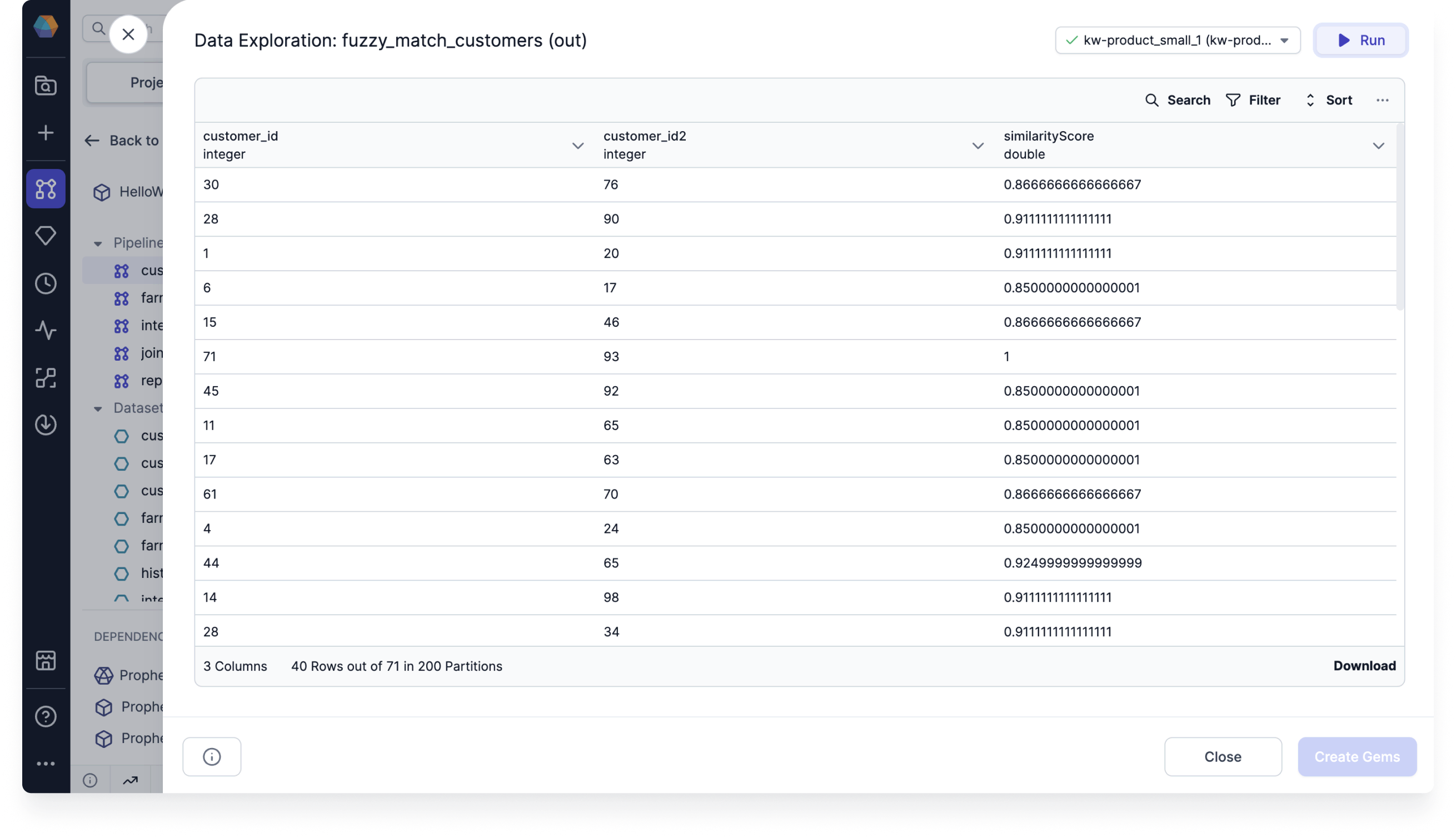
Run the gem and see that the output includes the Record IDs of the records with fuzzy matches.
-
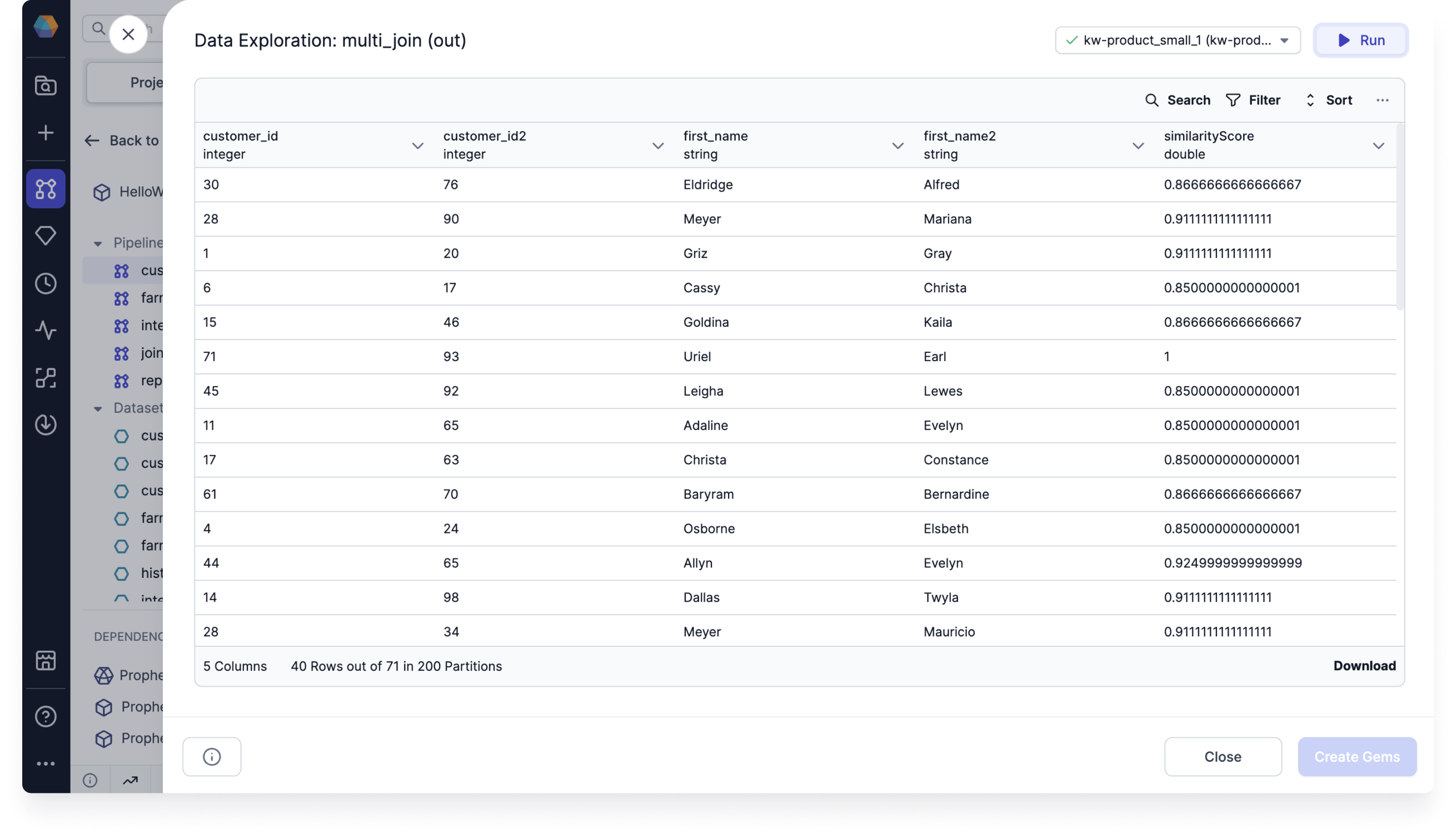
Join the output with the original dataset to view the matched names.