

What you can do
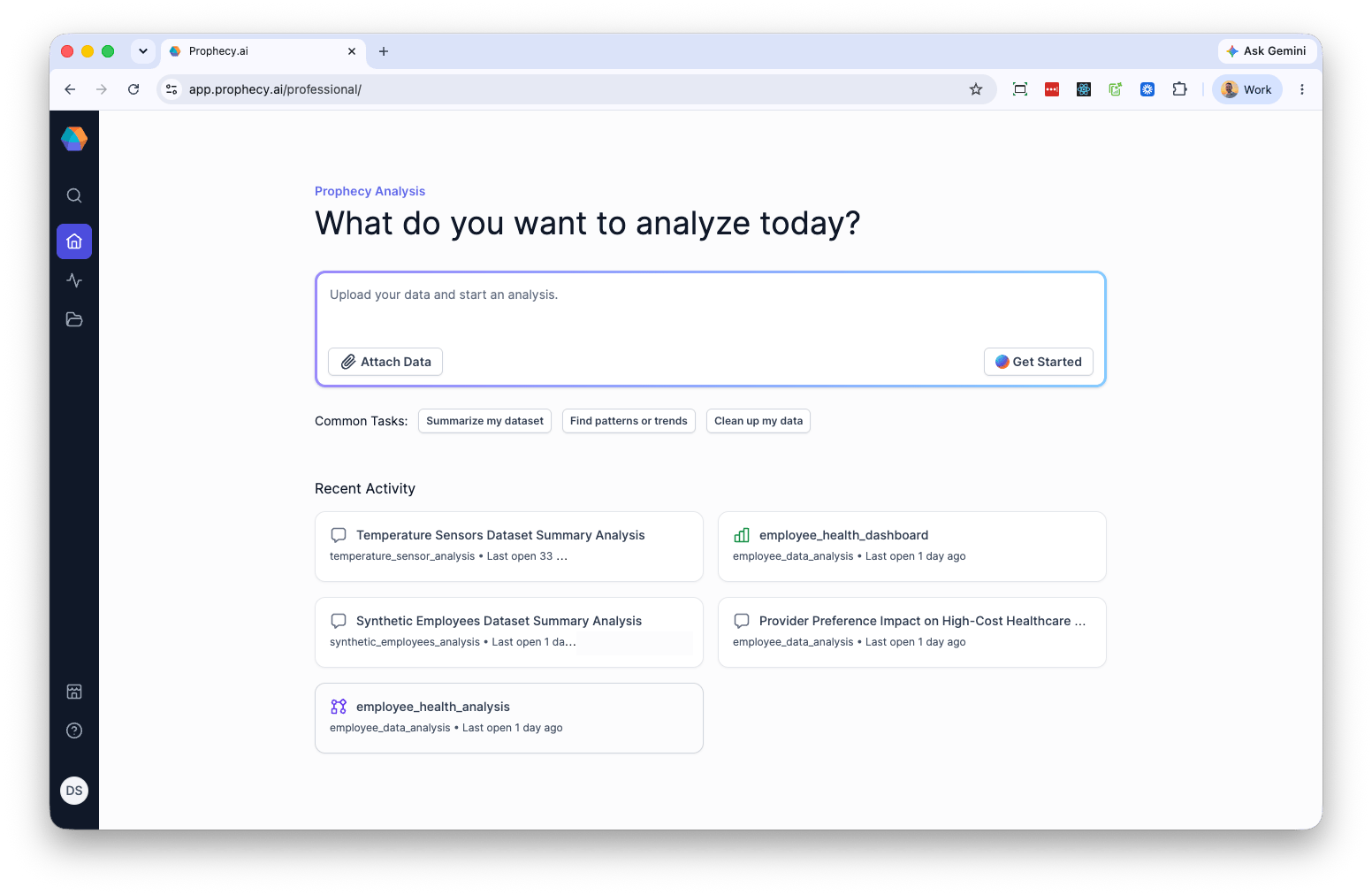
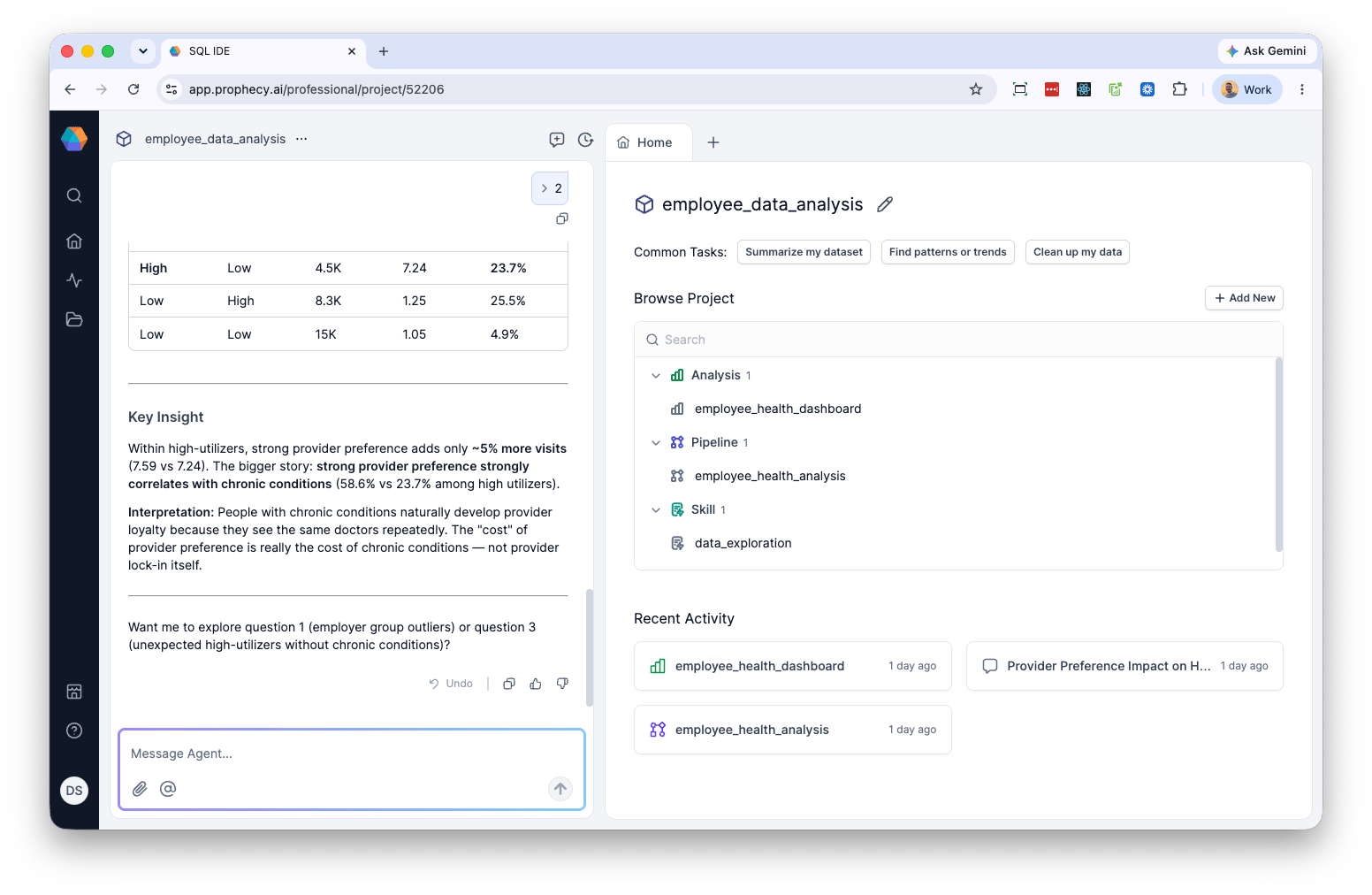
Professional Edition centers on a conversational workflow: attach data, describe what you want to understand, and the Agent generates pipelines and analyses in response. From the home page you can:- Attach a data file and start an analysis with a prompt or a common task.
- Resume recent analyses and chat threads from your project.
- Add datasets, pipelines, analyses, and skills to your project from the project panel.
Get started
- Sign up for the Free Edition.
- Sign in and upgrade to Professional Edition when ready.
- From the home screen, select Attach Data to upload a file.
- Enter a prompt or choose a common task — Summarize my dataset, Find patterns or trends, or Clean up my data.
- Select Get Started.
- Choose Process as Table to run transformations against your data, or Attach as Reference to make the file available for context.
What’s different from Prophecy for Business
Professional Edition runs on Prophecy-managed DuckDB. You do not configure fabrics, connections, or secrets — there is no infrastructure to set up. The tradeoff is scope. Professional Edition does not currently support connecting to external data platforms such as Databricks, Snowflake, or BigQuery. Other differences from Prophecy for Business:- No versioning.
- No fabric, connection, or secrets management.
- No scheduling or publishing.
When to move to Prophecy for Business
Consider moving to Prophecy for Business when you need to:- Connect to Databricks, Snowflake, or BigQuery.
- Schedule and deploy pipelines to production.
- Version and branch project work.
- Manage connections and secrets at the team or organization level.