

- Pipeline stage: Separate input preparation, transformation logic, and output writing into distinct sections.
- Gem phase: Group transformations that execute together to reflect the sequential flow of the pipeline.
- Input source: Organize steps that prepare data from different sources before they are joined downstream.
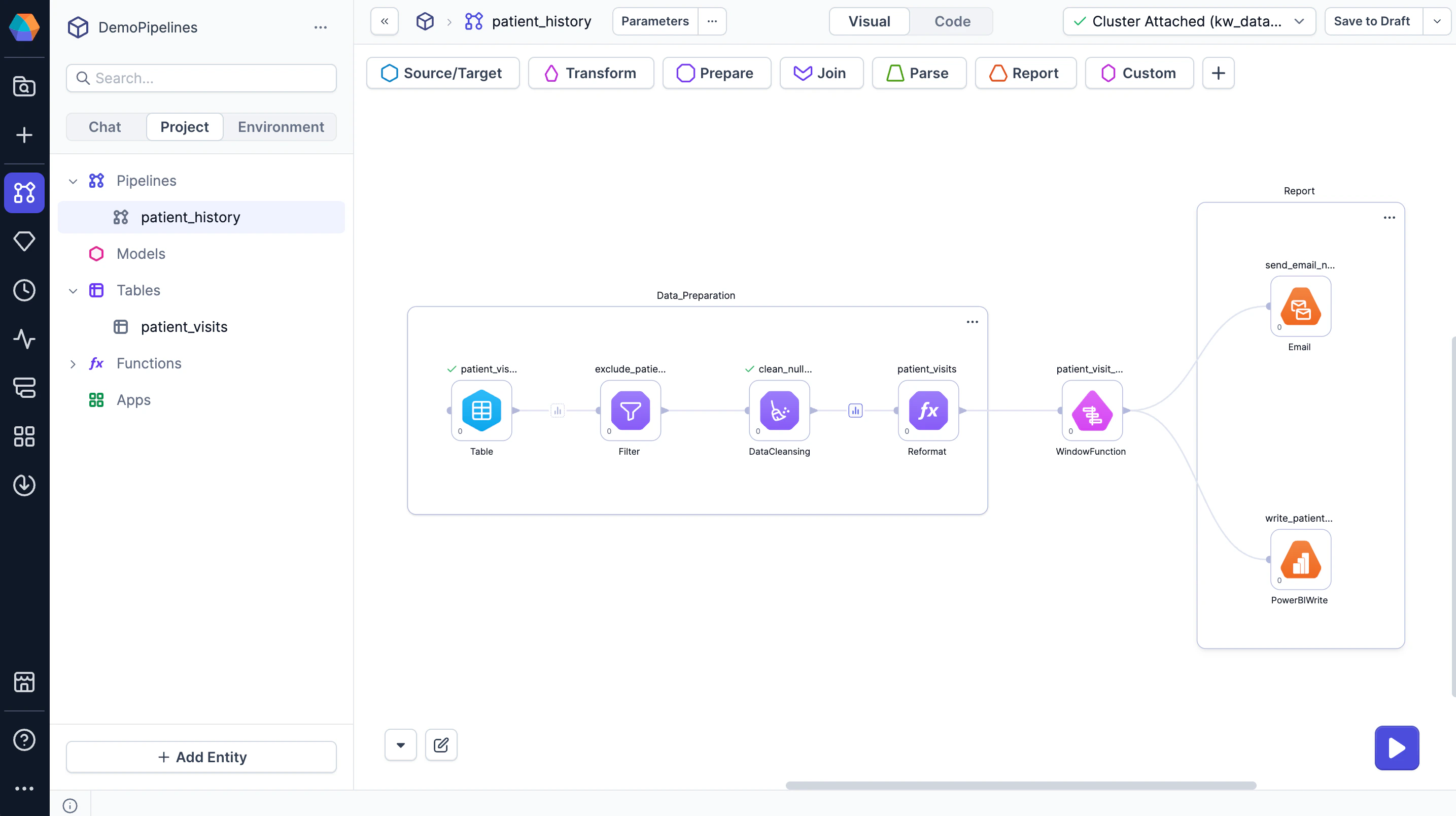
Create a container
To create a container:- Drag to select multiple gems on the canvas.
- At the bottom of the canvas, click Actions.
- Select Group.
VisualGroup_1 by default.
Manage containers
Containers have their own … menu, separate from the action menu on individual gems. To manage a container, click its ⋯ menu:- Ungroup — Remove the group and keep its gems on the canvas.
- Add to AI — Add a mention for the container to Chat.
- Explain — Copilot provides an explanation of what the container groups.
- Attach Annotation — Add an expanded label for the container.
- Edit Background Color — Change the container’s background color to visually distinguish it from others.
- Collapse — Hide the container’s gems and simplify the canvas. (You can reverse this using an Expand command.)
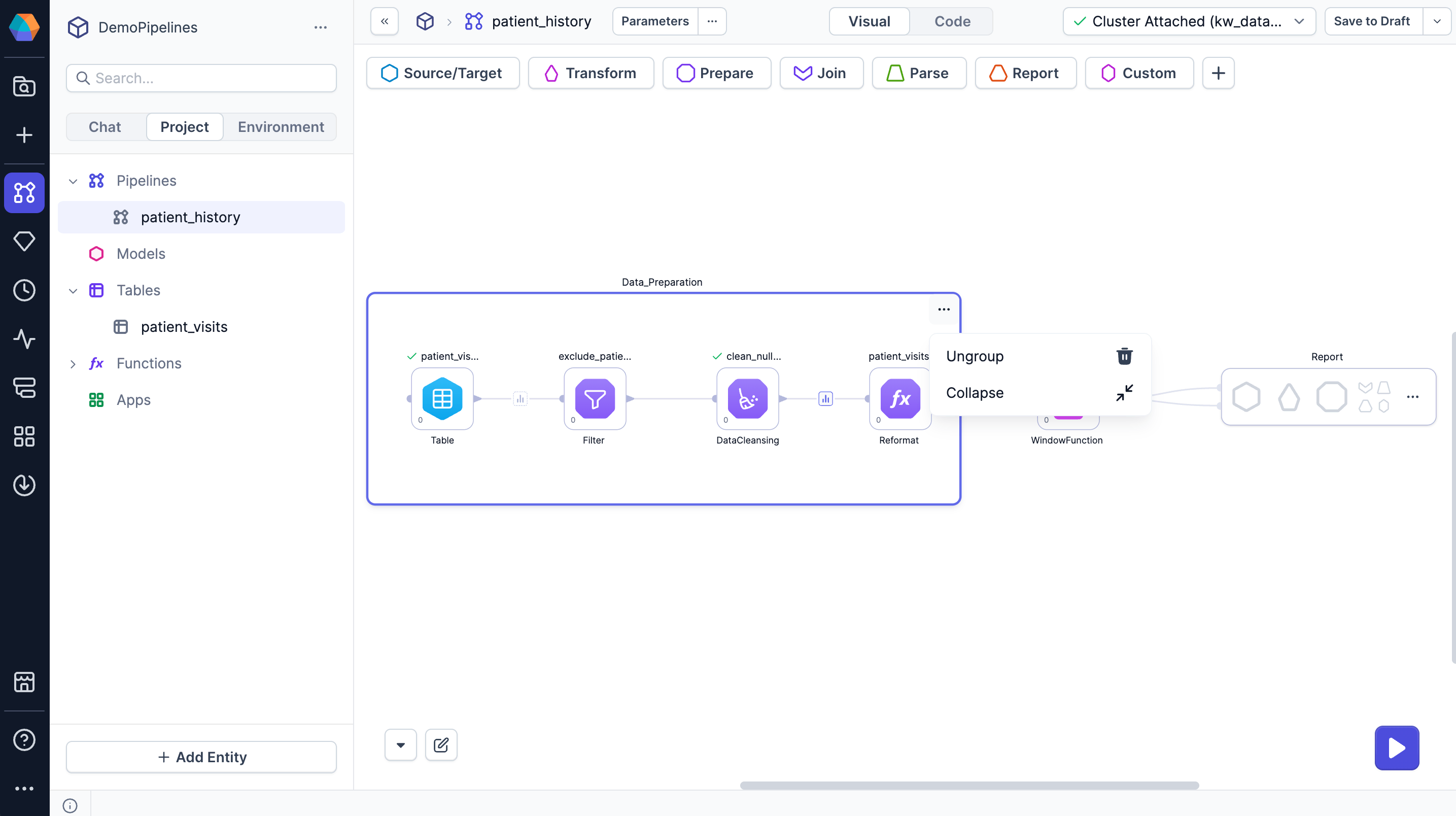
- Rename a container — Click the container name and enter a new one to clarify its purpose.
- Move gems in or out of a container — Drag the gem in and out across the container boundary.
- Edit container size — Drag the container edges or corners to resize.